What is shown
The page demonstrates an administrative reception workflow for enquiry capture, safe routing, booking support, and staff escalation.
clinic receptionist workflow
A clinic AI receptionist should automate routine front-desk admin while keeping patient care decisions with staff. The workflow collects booking details, handles reminders and reschedules, flags sensitive language, and gives the clinic team a clean summary.
Illustrative workflow
Prepared example for reviewing the process. This is not a client result.
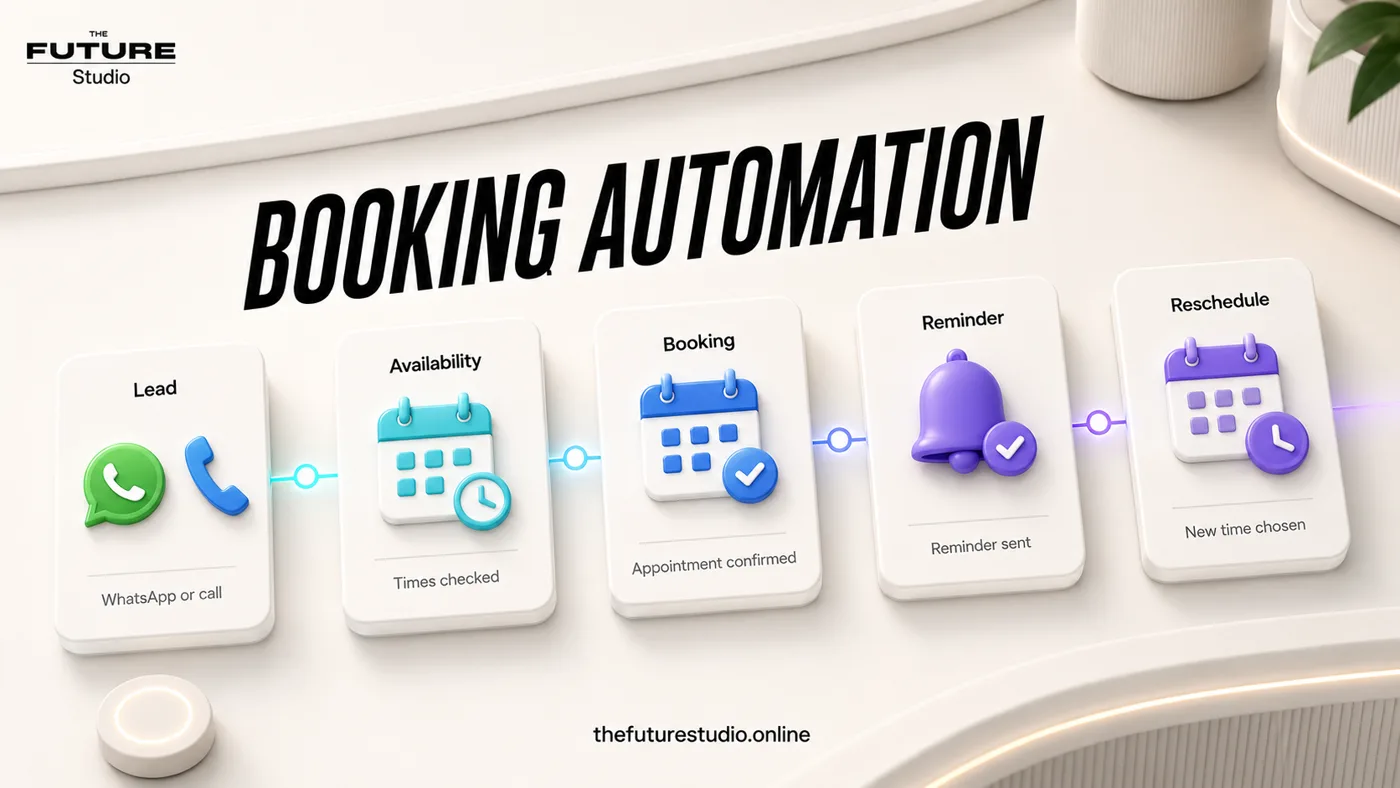
The useful boundary is simple: automate intake and booking steps, then hand off sensitive work.
Example staff record
Queue item: source; request; contact preference; appointment route; exception flag; staff owner; next action.
A unified queue must not expose clinical notes to people who do not need them.
It proves that AI can reduce front-desk pressure when the scope is clear: administrative intake, appointment support, reminders, and handoff. It should not pretend to diagnose, triage care, or replace licensed professionals.
Evidence status
The page demonstrates an administrative reception workflow for enquiry capture, safe routing, booking support, and staff escalation.
This is a workflow proof asset, not a published client result. It does not claim a conversion lift, revenue result, or operating outcome without verified client evidence.
Privacy requirements, clinical boundaries, approved scripts, escalation contacts, scheduling rules, and staff review must be validated before launch.
Enquiries captured, response time, completed intake, booking handoffs, staff overrides, no-show follow-up, and unresolved requests.
FAQ
Yes, when the clinic has approved booking rules. Some appointment types can be routed automatically, while sensitive or unclear requests should be reviewed by staff.
Measure response time, appointment requests captured, reminders sent, reschedules handled, handoff quality, and front-desk time saved.
Next step
Book a free AI systems demo and we will map what your clinic can safely automate and what should stay with staff.