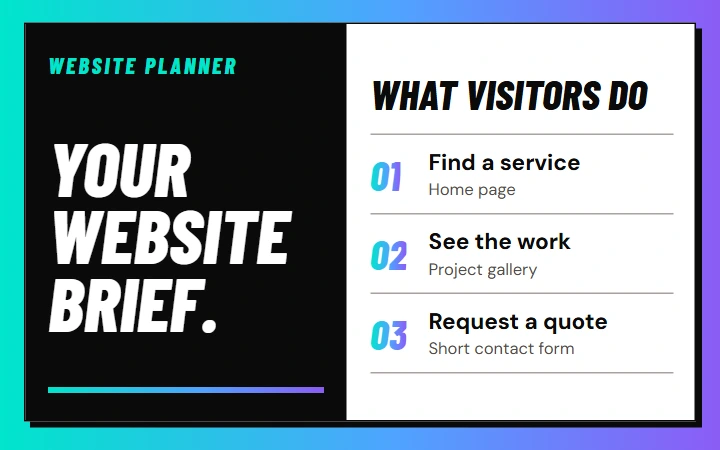
Website Planner
Plan which pages to build and put the work into a brief.
You get Your pages and a build brief.
Plan my websiteFree AI automation tools and templates
Free AI tools, templates and checklists to follow up on enquiries, plan workflows and improve your website.
22 tools and resources
Live tools
Choose a tool to plan your website, improve how people find it or see where enquiries get stuck.
Plan which pages to build and put the work into a brief.
You get Your pages and a build brief.
Plan my website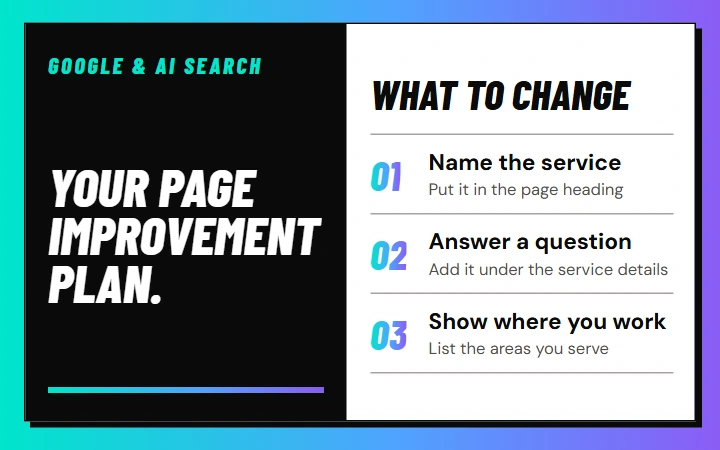
Choose three changes to a page so people and AI can understand it.
You get Three changes for one page.
Improve my page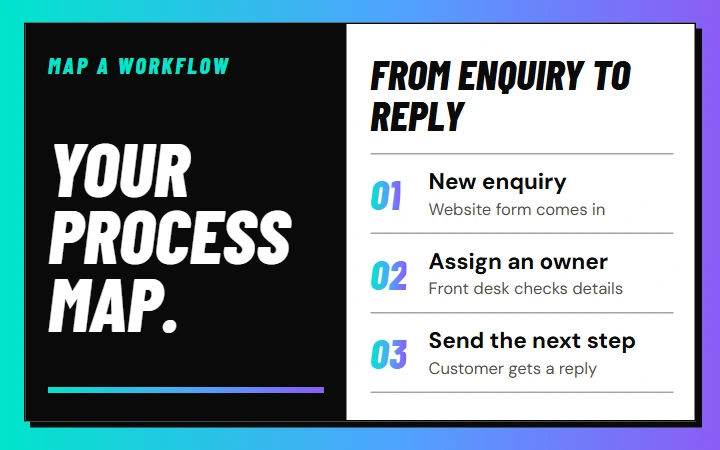
See who owns each step from first enquiry to follow-up.
You get A process map your team can follow.
Map my workflow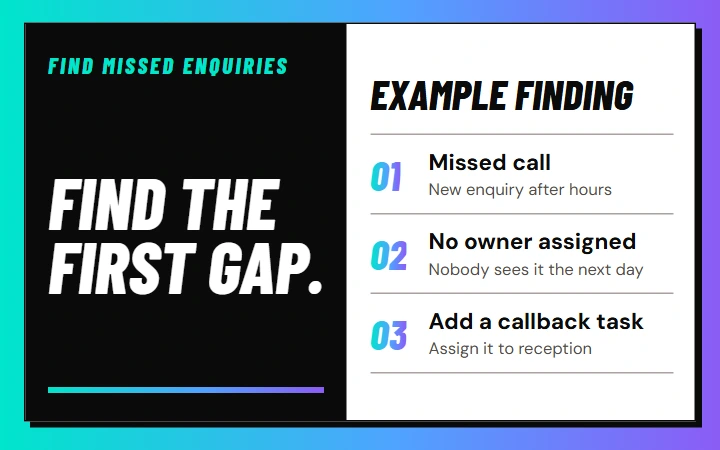
Find the first gap in how your business follows up.
You get Find the first gap in your follow-up.
Find missed enquiries
Test when your WhatsApp assistant should pass a chat to a person.
You get A score and fixes for your handoffs.
Test the handoff
Estimate the monthly value of missed calls, slow replies, and enquiries that never receive a clear next step.
You get Monthly opportunity estimate + assumptions
Estimate the gap
See where you could use AI and what to do first.
You get Your readiness level, biggest gap and next step.
Check the fit
Find the first revenue gap created by missed calls, slow replies, weak follow-up, or an unclear next step.
You get First leakage point + recommended action
Run the checkFree products
Editable templates and checklists for workflows, follow-up and safer handoffs.
Turn one repetitive process into a clear trigger → action → decision → handoff map.
You get A one-page trigger → action → handoff map
Get the template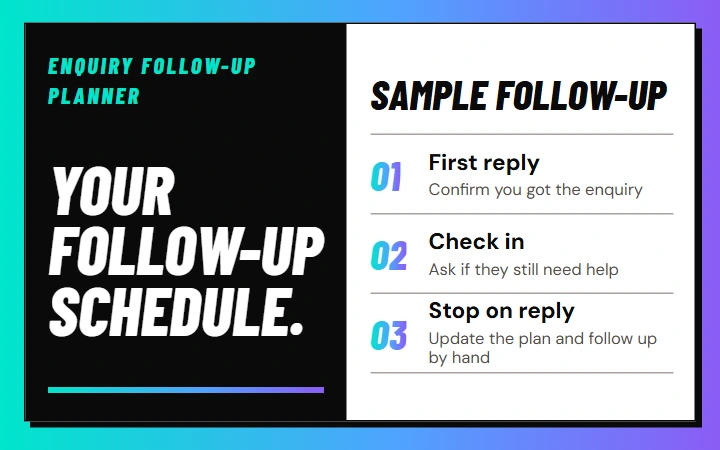
Build a simple, respectful follow-up schedule by lead temperature, channel, and next step.
You get A four-touch cadence with consent and stop rules
Get the template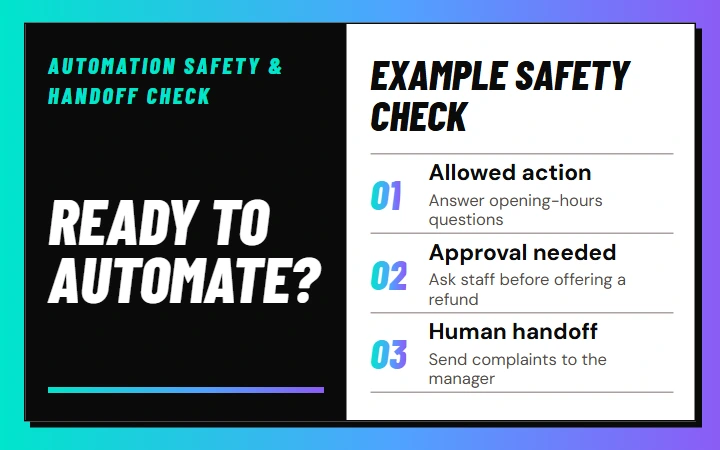
Confirm what the automation may do, what needs approval, and when a person must take over.
You get A GO / CONDITIONAL / NOT YET launch check
Get the template
Turn one proven idea into a post, carousel, short video, email, FAQ, and reusable proof asset.
You get A ten-format plan for turning one idea into useful content.
UnlockTest ten realistic conversations and identify the controls most likely to lose context, ownership, or revenue.
You get Reliability score + three riskiest conversations + fix priorities
Open the testFocused skills
Editable instructions for common work, from mapping a workflow to checking what would block a launch.
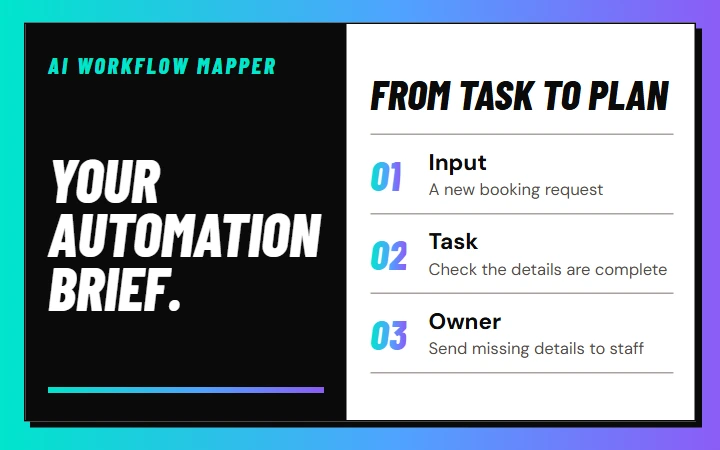
Turns a messy recurring task into a clear automation brief.
You get one-page map
Get the instructions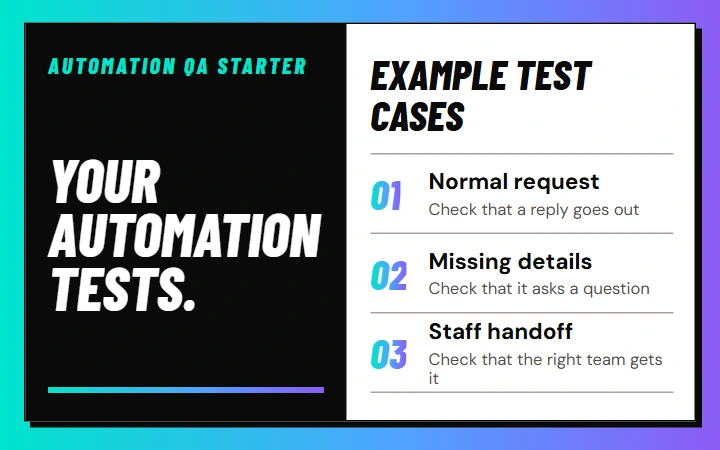
Generates happy-path, failure, handoff, and recovery tests.
You get test checklist
Get the instructions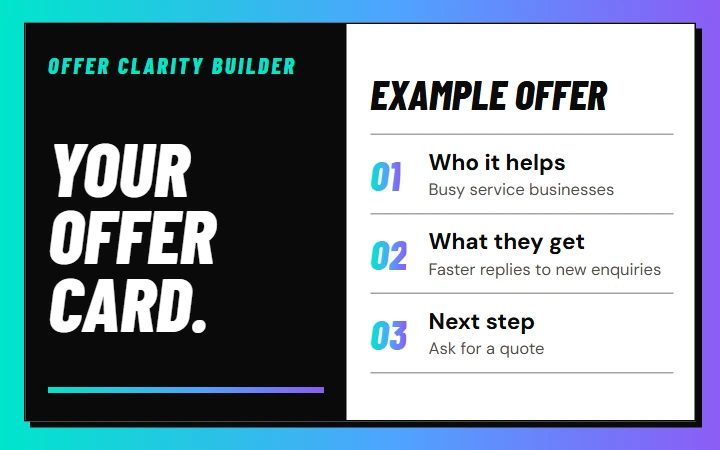
Clarifies audience, problem, outcome, proof, and next action.
You get offer card
Get the instructions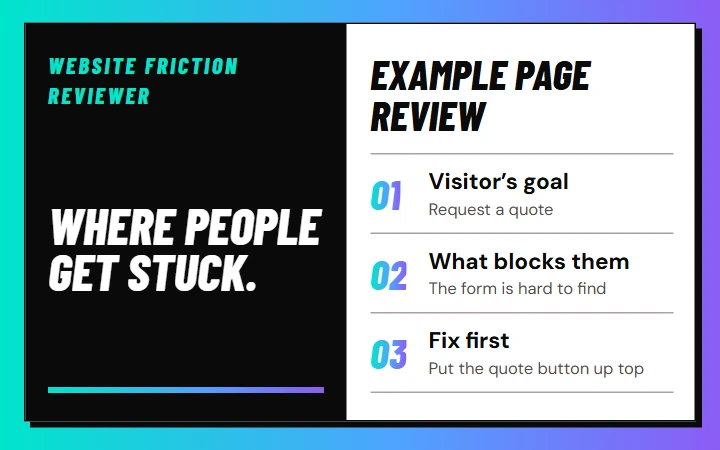
Reviews one page for clarity, trust, conversion, and handoff gaps.
You get prioritised fixes
Get the instructions
Maps one source into useful formats without multiplying claims.
You get An editable plan for reusing an existing piece of content.
Unlock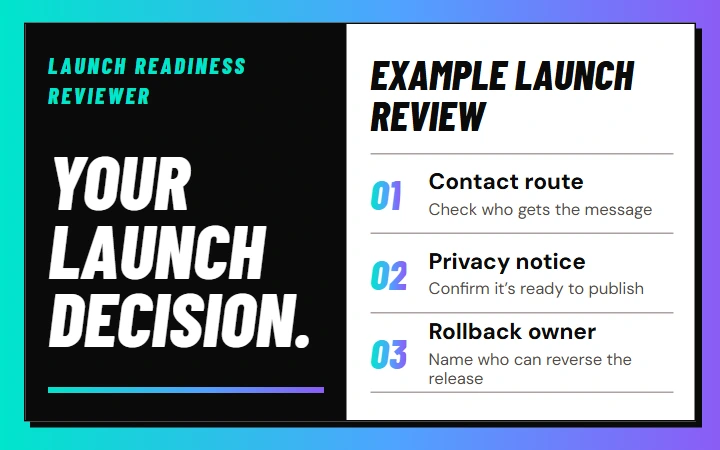
Checks ownership, routes, privacy, rollback, and proof before launch.
You get launch decision
Get the instructionsLite loops
Repeatable routines for following up, checking websites and reviewing automation.
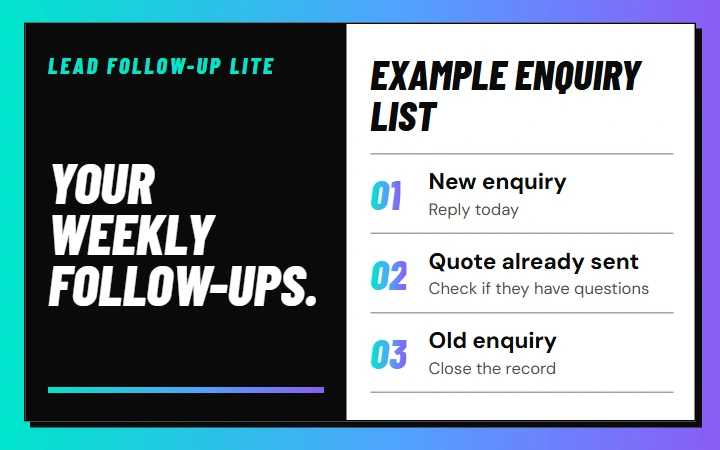
Review open enquiries, choose the next human-safe action, and close stale items cleanly.
You get Review → Decide → Follow up
Get the checklist
Choose one credible signal and turn it into a small, source-backed content pack.
You get A short plan to turn one useful signal into a small set of posts.
Unlock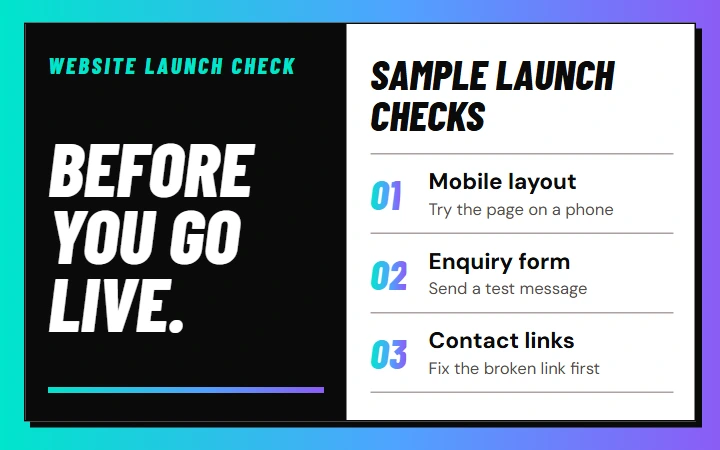
Check the routes, mobile experience, contact path, legal basics, and owner before release.
You get Inspect → Block → Release
Get the checklist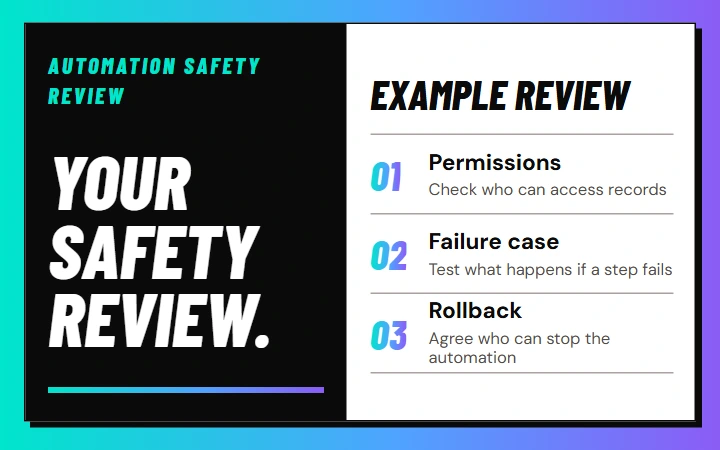
Confirm permissions, sensitive data, failure modes, human handoff, and rollback.
You get Map → Test → Approve
Get the checklist
Capture what changed, what works, what is unverified, and the next review date.
You get A record of what changed and when to check it again.
UnlockTurn one idea into a set of content drafts.
Adapt an existing piece for a new format.
Build content around a sourced idea.
Record what changed, what you observed, and when to review it.
Common questions
It is for service-business owners and operators who need help with missed leads, follow-up, workflow design, website checks, content systems, automation QA, and safe human handoff. Agencies and builders can also use the editable skills and Lite loops.
Start with Find Missed Enquiries if you are missing customer enquiries, or use the Website Launch Check before publishing a site. For workflow planning, start with the AI Workflow Blueprint Canvas.
Yes. The tools are free to use, and the downloadable packs are unlocked with an email address. You do not need to buy anything. Third-party software costs may apply if you later implement a workflow.
It is a focused Markdown instruction file you can give to a compatible AI coding or agent environment. It guides one type of work and still requires human review.
It is a small repeatable routine with a cadence, inputs, steps, stop conditions, and output. It does not include the automation, dashboards, or complete paid operating system.
You may adapt the original Future Studio resources for your own internal or client delivery work. Do not resell or redistribute the files as a competing resource library.
Yes, but deliberately. New resources will be added when they solve a distinct problem and meet the same usefulness, privacy, and quality standard.
Bring your plan to a free consultation. We’ll help you decide what to improve first on your website, in search or in your workflow.
