no-show reduction guide
Clinic Appointment
Reminder Automation
Clinic appointment reminder automation helps reduce no-shows by confirming visits, sending preparation instructions, handling reschedule requests, and alerting staff when a patient needs help. It is one of the safest first workflows to automate because the outcome is clear and measurable.
Recommended path
Connect this guide to the right system
Compare the related workflows, services, and examples to choose the most useful next step.
Worked example
A reminder sequence with stop rules
Illustrative workflow to review with your team; not a client result.
From request to action
- TriggerAn appointment has been confirmed in the clinic's booking source.
- Required informationPrepare the booking confirmation and optional 48-hour, 24-hour and day-of reminders according to clinic policy and patient contact preference.
- Rule and ownerA reschedule replaces the previous sequence. An opt-out stops the applicable messages. A failed delivery or unclear reply goes to staff.
Example record
Reminder record: appointment ID; current time; confirmation state; reminder sent/failed; opt-out; staff next action.
The timings are an illustrative schedule to agree with the clinic, not a universal clinical requirement.
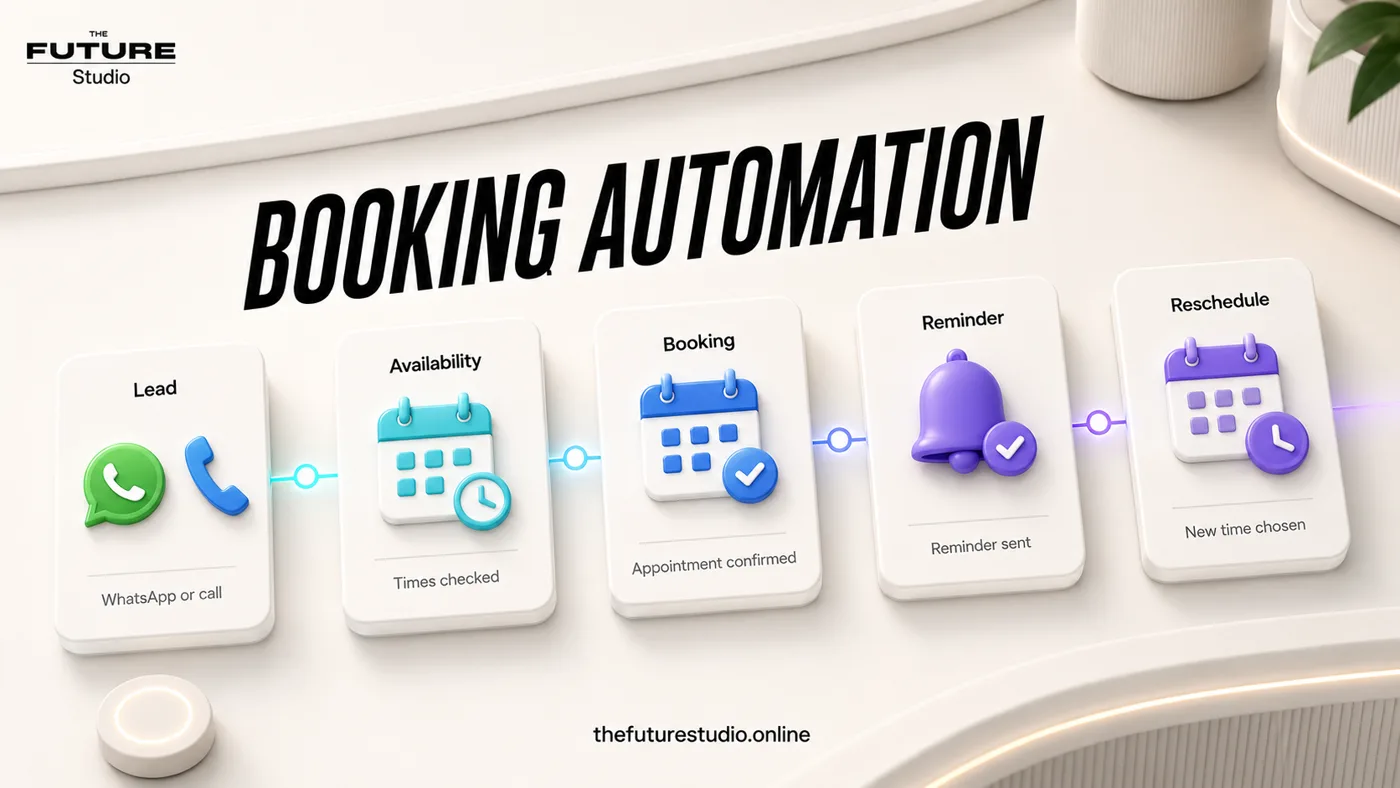
Confirm the next visit
Use reminders to protect booked appointments and reduce manual follow-up.
Narrow task
Why reminders are a high-value first automation
Many clinics do not need a complicated AI system first. They need fewer missed appointments and fewer manual confirmation messages.
Reminder automation can send a confirmation after booking, a reminder before the visit, preparation instructions, location details, and a simple path to reschedule.
Because the workflow is narrow, it is easier to approve, test, and measure than a broad front desk automation project.
Channels
Where reminders should happen
Reminders can work by WhatsApp, SMS, email, voice call, or a combination. The right channel depends on how patients already communicate with the clinic.
In Panama, WhatsApp is often the most natural channel. International clinics may combine WhatsApp with email or SMS depending on patient preference.
The system should avoid sending sensitive details in a way that creates privacy risk. Keep reminder wording simple and administrative.
Workflow
What the reminder flow can include
A useful reminder flow includes appointment confirmation, date and time, location, preparation notes, cancellation or reschedule instructions, and a staff alert if the patient replies with a question.
If a patient cancels or requests a new time, the workflow can update the team and avoid leaving the message buried in a chat thread.
Reporting should show confirmations, replies, reschedules, and missed-message follow-up.
FAQ
Common questions
Does reminder automation reduce no-shows?
It can help reduce no-shows by confirming appointments, reminding patients at the right time, and making rescheduling easier.
Can reminders be sent through WhatsApp?
Yes. WhatsApp reminders work well when patients already use WhatsApp with the clinic and the wording is approved.
Should reminders include sensitive health details?
No. Reminder messages should stay administrative and avoid unnecessary sensitive details.
What is the first workflow to build?
Start with confirmation plus one reminder, then add reschedule handling and staff alerts after the basic flow is stable.
Related pages
Explore clinic scheduling automation
Next step
Map the first workflow that needs to work
Book a free AI systems demo with The Future Studio. We will map the workflow, the boundaries, and the smallest system that can create real impact.