01
Lead capture
Collect leads from forms, WhatsApp, website assistants, email, calls, spreadsheets, or other entry points.
Ready-to-install AI system
Each enquiry becomes one visible record with a stage, owner, and next task.
The diagnosis
Start with the part of the workflow creating the most friction. The first build should make one important next step clearer, faster, and easier to own.
Collect leads from forms, WhatsApp, website assistants, email, calls, spreadsheets, or other entry points.
Lead Pipeline Automation walkthrough
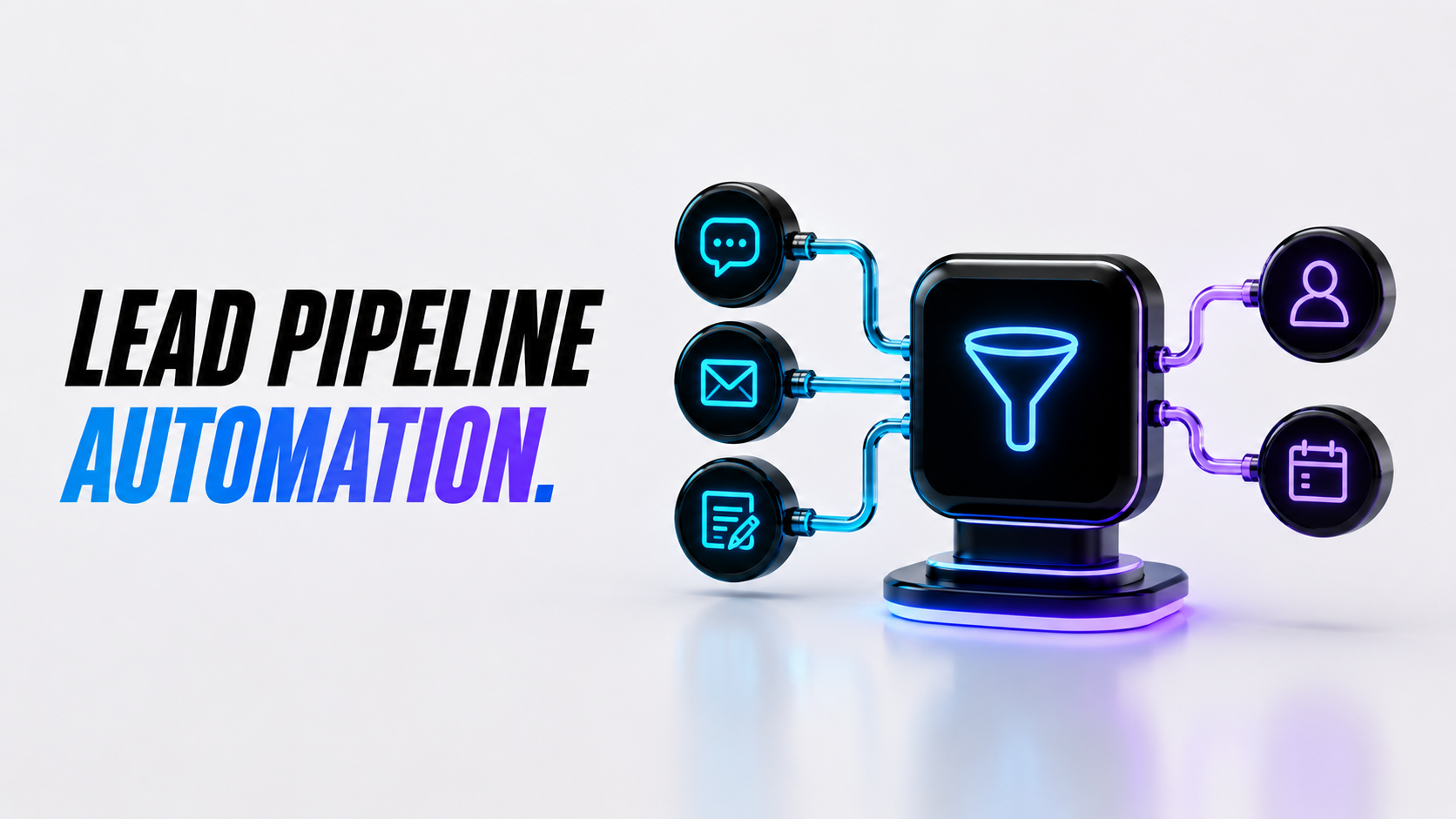
A static walkthrough of how lead sources, qualification rules, CRM stages, notifications, and follow-up connect before your team starts using the system.
What gets installed
A lead pipeline should make every opportunity easier to see, qualify, assign, and follow up. This build connects the first lead source to the next action so your team knows what matters and what needs attention.
Collect leads from forms, WhatsApp, website assistants, email, calls, spreadsheets, or other entry points.
Sort leads by service need, fit, urgency, source, value, location, or next best action.
Send the right lead to the right person, stage, inbox, calendar path, or CRM owner.
Create reminders, next steps, handoff notes, and status updates instead of relying on memory.
See where leads enter, which ones are warm, who owns them, and where they are getting stuck.
Keep context attached so a lead can move from capture to call, quote, booking, or follow-up.
Why it matters
Most missed sales opportunities are not lost because the team does not care. They are lost because the source, owner, status, urgency, and next step are unclear. This system gives every lead a visible path from first contact to follow-up.
The process
Identify where leads enter, what details are missing, who owns them, and how follow-up currently happens.
Create simple rules for stage, source, urgency, fit, status, owner, next action, and escalation.
Connect forms, CRM, sheets, email, WhatsApp, notifications, website assistant, or task tools.
Test urgent leads, low-fit leads, missing details, repeat leads, handoffs, notifications, and reminders.
Review real lead behavior and refine scoring, routing, stages, notifications, and follow-up timing.
These are illustrative workflow patterns. The installed scope, owners, and handoff rules are agreed before build.
Illustrative operating example. Agree the fields, rules and owner before implementation.
A website enquiry asks about a service.
Capture source, service interest, timing and the person's preferred contact route. Keep unanswered questions marked as unknown.
Assign sales-ready enquiries using criteria agreed by the business. Incomplete records go to a follow-up queue rather than being labelled qualified.
A captured lead is not a sale or an agreed appointment.
Example staff / work record
Source: website; service: selected by visitor; timing: awaiting reply; stage: incomplete; owner: sales; next action: ask one missing question.
Build options
Start with the cleanest lead pipeline your business needs now, then expand once the first automation is live.
Best for one clear lead pipeline that captures opportunities, organises key details, and creates a cleaner next step.
USD. Review the included scope and confirm third-party usage and support limits before purchase.
For teams that need lead scoring, follow-up tasks, alerts, CRM updates, and a clearer view of sales opportunities.
For businesses with multiple lead sources, teams, stages, locations, dashboards, CRMs, or multi-channel follow-up logic.
Review the work
Review the documented work, its context and the evidence available. It is not a promise of the same result for another project.
Read the evidenceCommon questions
It captures leads from your key sources, organises their details, qualifies them, routes them to the right owner or stage, and creates follow-up so opportunities do not disappear.
Yes. It can connect with a CRM, spreadsheet, email, forms, WhatsApp, website assistant, calendar, or task tool depending on your current setup and access.
Yes. We can create simple rules around fit, urgency, service need, budget signal, location, source, or next best action.
Yes. Intake questions, notifications, summaries, and follow-up messages can be prepared for English, Spanish, or bilingual teams.
The build price is separate from monthly CRM tools, automation tools, AI usage, email, WhatsApp, forms, dashboards, or other third-party services. We confirm expected monthly costs before build.
No. We can start with a simple pipeline: new lead, qualified lead, follow-up needed, booked, won, lost, or whatever stages match your business.
Lead pipeline fit guide
Use this guide to decide whether lead pipeline automation should be the first system to fix loose follow-up, unclear ownership, and missed next steps.
Pipeline automation works best when leads arrive from several places and the team needs clearer qualification, routing, status, and reminders.
The system should organize decisions, not invent them. Rules for priority, ownership, and escalation need to be clear before launch.
Lead pipeline automation is strongest when connected to forms, WhatsApp, voice calls, booking flows, CRM, or dashboard reporting.
Ready to start?
Book a free demo and we will show you the first lead pipeline your business should automate.