ai automation for restaurants
AI Automation for Restaurants
AI automation for restaurants helps teams handle reservation requests, WhatsApp messages, private event inquiries, catering questions, menu FAQs, hours, directions, reminders, and follow-up. It should support staff and managers, not make unsupported promises about availability, allergies, pricing, or special requests.
Restaurant booking route
Separate reservations from event work
Choose whether the first workflow is a table request, private event, catering inquiry, menu question, or missed message, then route it to the person who can confirm it.
Worked example
Table, private event or catering?
Illustrative workflow to review with your team; not a client result.
From request to action
- TriggerA guest asks for a table or a larger gathering.
- Required informationCapture venue, date, time and party size. Route private-event and catering requests separately from ordinary table reservations.
- Rule and ownerCheck the approved reservation source. Send allergy questions, special arrangements and unavailable times to the host or events owner.
Example record
Reservation request: venue; date; party size; route: table/event/catering; status: availability pending; owner: host.
Never infer allergy safety or guarantee availability from a conversational reply.
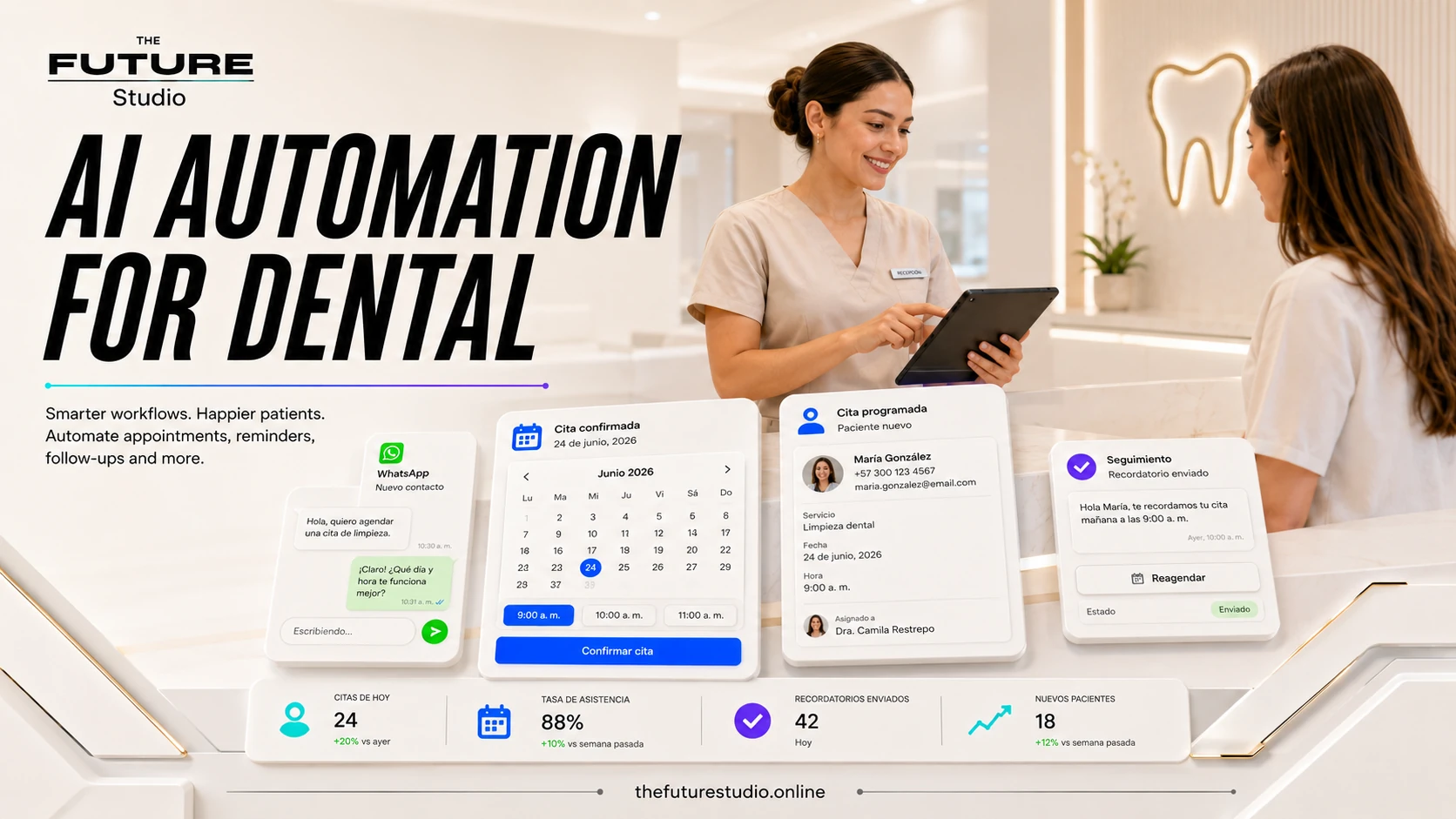
Keep the host stand out of the inbox
A restaurant workflow can sort reservations, private events, catering, and menu questions before staff confirm capacity, allergens, or special requests.
Use cases
Reservation and event workflows
Restaurants can use AI to answer approved questions about hours, location, menu basics, reservation options, private events, catering, parking, and contact details.
The system can collect party size, date, time, name, phone, event type, budget range, and special requests before routing to staff.
It can also help with missed messages, reminders, waitlist follow-up, and post-visit review prompts.
Boundaries
Keep availability, allergens, and exceptions with staff
Restaurant AI should not guarantee allergy safety, final availability, final event pricing, exceptions, or policy changes without staff approval.
Allergy questions, large groups, payment issues, complaints, and special requests should route to a person.
Menu and promotion details should come from approved current sources.
Panama and bilingual workflows
Handle WhatsApp demand around service hours
Restaurants in Panama often rely on WhatsApp, Instagram, Google, tourism traffic, bilingual guests, and quick replies during busy service windows.
A bilingual workflow can capture the request and send only the right exceptions to staff.
The Future Studio builds restaurant automations around the actual reservation and event process.
Build path
Start with one reservation or event path
Start with reservation requests, WhatsApp replies, private event intake, or catering inquiries.
Define approved answers, booking fields, capacity rules, handoff rules, and manager alerts.
Then expand into reminders, waitlist follow-up, event lead tracking, and review prompts.
FAQ
Questions about restaurant automation
Which restaurant requests can be sorted first?
Start with reservation questions, WhatsApp messages, private events, catering inquiries, menu basics, hours, directions, reminders, and waitlist follow-up using approved information.
Can AI confirm availability or allergy safety?
It should not guarantee final availability, allergy safety, event pricing, exceptions, or policy changes. Staff should handle allergy questions, large groups, complaints, and special requests.
Can reservations and private events use one queue?
Yes. The workflow can label the request as a reservation, event, catering inquiry, or general question and send the right fields to the host stand, manager, or events team.
What should staff review before confirming a request?
The restaurant can define which details need confirmation, such as party size, date, time, event type, capacity, allergy questions, special requests, and current pricing.
Related pages
Explore related systems and industries
Next step
Map the first workflow before you build
Book a free AI systems demo with The Future Studio. We will map where requests arrive, what staff need, and which first automation can reduce admin pressure without taking control away from people.