
What we work on
Website
optimisation.
The proposal sets out the pages we’ll change, where test enquiries should go and what we’ll check before handover.
See what you’d receive
Website optimisation for service businesses
Open one of your service pages on a phone. How long does it take to load, and can a customer get from that page to a useful enquiry? We test both with you and agree what to fix first.
Have a page in mind? Bring the link to the call.
Free 30-minute consultation · English or Spanish
What we improve
 01
Check which page opens when a customer searches for a service. Make that page answer what you do, where you work and who you can help.
 02
Put the important details and the contact button where a customer can find them. Check what loads slowly or is difficult to use.
 03
Send a test enquiry and check what arrives. The person replying needs to know what the customer asked for and how to get back to them.
Start with the page people already use. If they find the right service but your team still gets messages asking how to book, follow that part of the page before changing the rest.
The proposal sets out the pages we’ll change, where test enquiries should go and what we’ll check before handover.
See what you’d receiveCheck whether people searching for a service land on the right page.
Use search data, where available, to see which queries and pages already bring visitors.
Review page titles, headings, indexing and links to priority pages. The project can include agreed fixes. Ongoing SEO or work on visibility in AI answers can be scoped separately.
Explain what you do, where you work and what someone can ask for.
Use real examples and customer questions to help visitors decide whether the service fits.
Review your existing content together. Agree what to keep, what to rewrite and what one clear action belongs on each page.
Make the main information quick to find and easy to use on a phone.
Check which images or page elements slow customers down.
Check image size, readable text, menus and whether the contact button or form works without zooming. Test the agreed changes on mobile and desktop.
Ask for the details your team actually needs to respond.
Carry the selected service into the inbox or booking request.
Send a test through the agreed route. Check required fields, the message your team receives and the confirmation the customer sees.
See when someone gets in touch and who needs to reply.
Keep a contact-button click distinct from an enquiry the team actually received.
Agree what to measure and where requests should land. When included in scope, connect the existing inbox, booking tool or CRM and check who can see the record.
Start with a service page where customers struggle to take the next step.
Review the revised page and follow a test enquiry through to the team.
Agree which copy, layout or contact changes are in scope. Check that the platform supports them, then record what changed and what you tested.
Improve the pages people use to understand a service and get in touch.
Give the pages a consistent way to explain the service, link related information and handle a request.
Name the pages, languages, access and tests in the proposal. Review the updated pages together and leave your team with handover notes.
Find out whether the site you have supports the changes you need.
Get a recommendation on what to keep, improve or rebuild.
Review the platform, access and content before deciding. A rebuild or platform move gets its own proposal, with the work and handover agreed separately.
Before we begin
Pick a page customers use to get in touch. On the call, we’ll follow it from the first tap to the message your team receives.
What did the last customer come here to do? Show us where they started.
We’ll open the page together. Can we find the right service and ask about it?
Look at a recent enquiry. Can the person replying see what the customer asked for?
We’ll agree what needs attention first and how to check the change worked.
Website optimisation examples
Explore five examples of what a project can change. See the revised page, the information that reaches the team and what the customer sees next.
Search
Illustrative redesign · sample business and dataBy industry
Each business needs a different next step. A patient asks for a visit, a homeowner needs a quote and a guest wants to check dates.
What we’d check
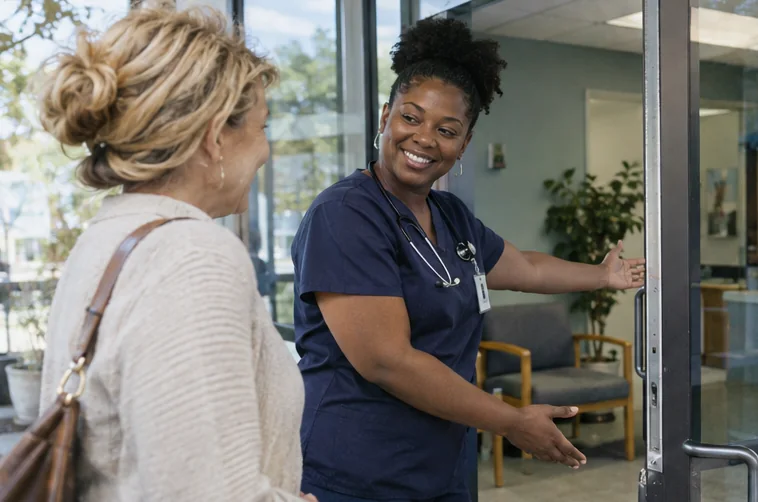
Check whether the service page explains what the clinic offers and how to ask for a visit. Test whether the request reaches reception with the service selected.
See a website example ↗
What we’d check
Make practice areas clear and say what’s useful for an initial enquiry. Check that the request reaches the right person and tells the visitor what happens next.
See a website example ↗
What we’d check
Check whether patients can choose a service and understand how reception confirms the time. Review the instructions they receive after asking for a visit.
See a website example ↗
What we’d check
Explain what the treatment is for and when an assessment is needed. Check that an appointment request tells the team which treatment the customer asked about.
See a website example ↗
What we’d check
Keep the listing attached when someone asks for more information or a viewing. Test whether the agent can tell which property to discuss when they reply.
See a website example ↗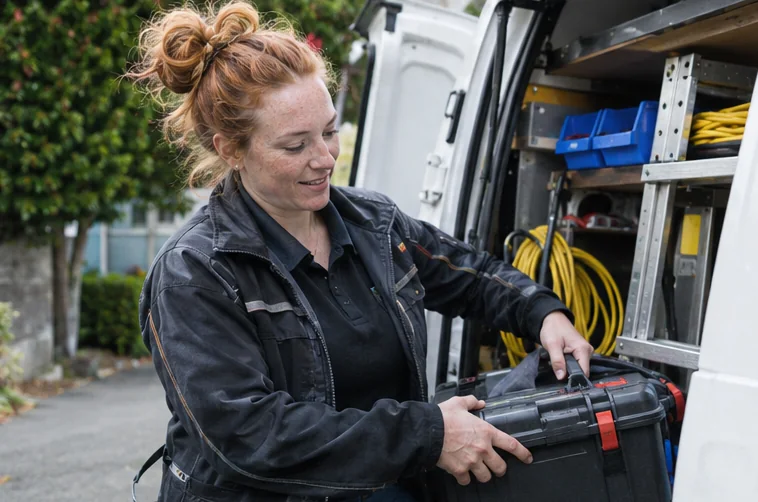
What we’d check
Show where you work and what kinds of jobs you handle. Send a test request and confirm the service and area reach the right team.
See a website example ↗
What we’d check
Make room information and the availability form easy to find on a phone. Check that the team receives the dates and party size it needs to reply.
See a website example ↗
What we’d check
Keep hours, location and the reservation link easy to find. Check whether the guest can tell when a request is confirmed and when they should expect a reply.
See a website example ↗Working with your team
We open the page on a phone, look for the service and try the contact route as a customer would. We check what the current platform allows before proposing a change.
We agree which pages and issues to tackle first.

The proposal lists what we’ll change and how we’ll check it. Once agreed, we update the pages and put the changes in front of you to review.
You can review the agreed updates on mobile and desktop before sign-off.

We send a test through the agreed route and compare what the customer sees with what your team receives. Then we walk you through what changed.
You get a record of the changes, what we tested and what your team needs to maintain.
Show us the page and what you want customers to do.
Project scope
Sometimes the form is the only thing getting in the way. Sometimes several service pages or the site itself need attention. We try the existing route first so you can judge the size of the work.
A priority service page needs a clearer next step.
Several pages and the contact route need to work together.
The current site may be getting in the way of the changes.
| Compare the project scopeWhat’s included | One-page improvement A priority service page needs a clearer next step. | Priority pages Several pages and the contact route need to work together. | Rebuild planning The current site may be getting in the way of the changes. |
|---|---|---|---|
| Pages reviewed | One priority page and its contact route | Agreed pages and shared navigation | Current site, platform and access |
| Work agreed | Copy, layout or form changes | Service content, mobile layout and enquiry routing | Content to keep and technical limits |
| What we check | Mobile and desktop, then a test enquiry | Agreed pages and delivery of a test enquiry | Which changes the platform supports |
| What you get | An updated page and test notes | Updated pages, test results and handover | A recommendation and a build proposal if needed |
Improve the pages people already use. We check what they can find on a phone, where they get stuck and what reaches your team when they send an enquiry.
Often, yes. We start with a page customers already use and see what slows it down on a phone. That might be a large image or a script the page loads before people can use the form. We agree what your existing site can support and compare the same page before and after the changes.
We look at how people find and understand the pages we’re improving, alongside what happens when they enquire. If you need a wider review of what customers search for or ongoing work across more pages, we agree that separately.
Your proposal sets out pages, access, deliverables and acceptance checks before work starts.
Fixing the page often reveals the next problem. A customer can finally find the right service, but the enquiry still reaches an inbox nobody checks. Follow one real request before deciding whether the site needs anything else.
Help people find the page that answers their question. Someone searching for employment contract advice should land on the service that explains when they can ask for a review.
Before launch: We agree the priority services, search questions and existing pages. We check how those pages appear today and decide how to measure changes over time.
Explore SEO and GEO ↗Give visitors a useful answer while they are still on the page. A guest asking about late arrival could see the hotel’s approved instructions and reach the front desk if their situation is different.
Before launch: We agree the sources, the questions the assistant may answer and the point where a person takes over. We test that the front desk receives the outstanding question.
Explore the Website AI Assistant ↗Let someone move from reading to arranging a time without explaining everything again. A visitor who chose an AC repair should be able to carry that service into the booking request or WhatsApp chat.
Before launch: We agree which tool receives the details, whether the message requests or confirms a time and who replies. We test the route from the page on a phone.
Explore Booking Agent ↗Explore WhatsApp Automation Agent ↗Make it clear who owns an enquiry once it leaves the site. When a homeowner asks for an estimate, the team should see which service they chose and whether somebody has already replied.
Before launch: We map the necessary fields to your existing system and submit a test. We check what staff see when a field is missing and who can put it right.
Explore Custom Apps and Dashboards ↗Let people complete the same task in the language they chose. A Spanish service page should lead to a Spanish form and a colleague who can answer the question.
Before launch: We agree which pages and messages need adapting. A local reviewer checks the wording and we follow one test enquiry through to the receiving team.
Explore International Expansion ↗From The Future Studio
See how a published website joins up service information and contact, or go deeper on search and handoffs.
 Published work
See how the clinic website brings service information, English and Spanish pages, and contact routes together.
Read the case study ↗ Search visibility
Explore how we make it easier for search engines and AI tools to understand what your business offers.
Explore SEO and GEO ↗ Enquiry handoff
See what your team needs to pick up a WhatsApp conversation and give the customer a clear next step.
Read the handoff guide ↗Prepare for the call
Bring the link and, if you have one you can share, a recent enquiry. Tell us what the visitor was trying to do and what reached your team.

Outline the service, audience and next step before the page changes.

Bring a page to discuss how its service information shows up in search.

Trace where the enquiry lands and who is responsible for the first reply.
The tools are optional. If you have the page address and know what a customer is trying to do, we can start there.
Your next step
Bring the page you’d like Carolina to look at with you, and tell her what you’d like a customer to do next.
Choose a day to see times in Calendly. Your booking is confirmed there.
On the free 30-minute call, we’ll try that page together. We can then decide whether a focused change is enough or a wider review would be useful.