01
Candidate intake CSV
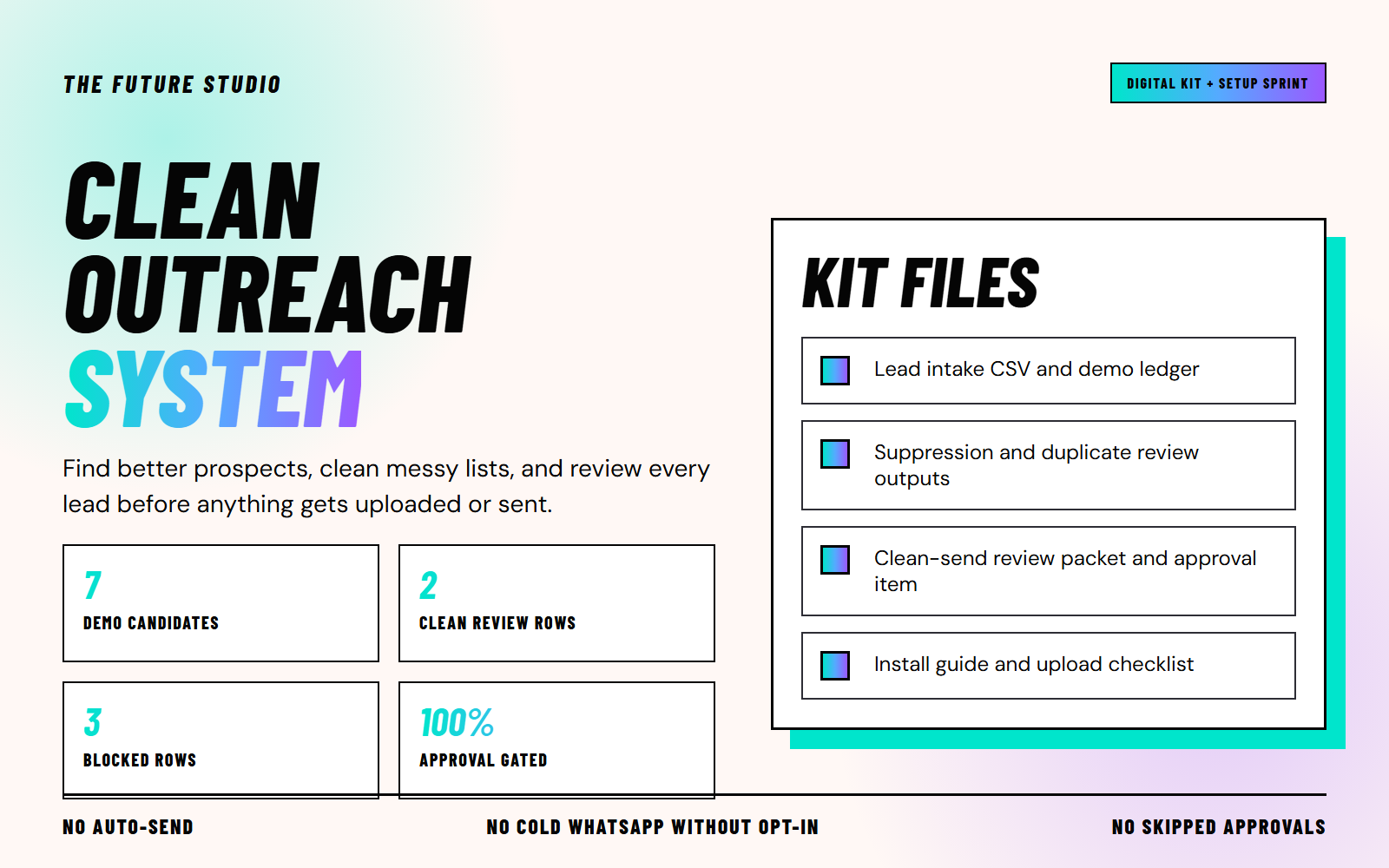
Start with an existing candidate CSV from your CRM, research process, or another source. The kit does not find or enrich prospects.
Review your prospect CSV before anyone uploads or sends. Create a local packet with a reason for each result and a draft approval item for the batch.
Illustrative artwork. The included files and tested sample results are described on this page.
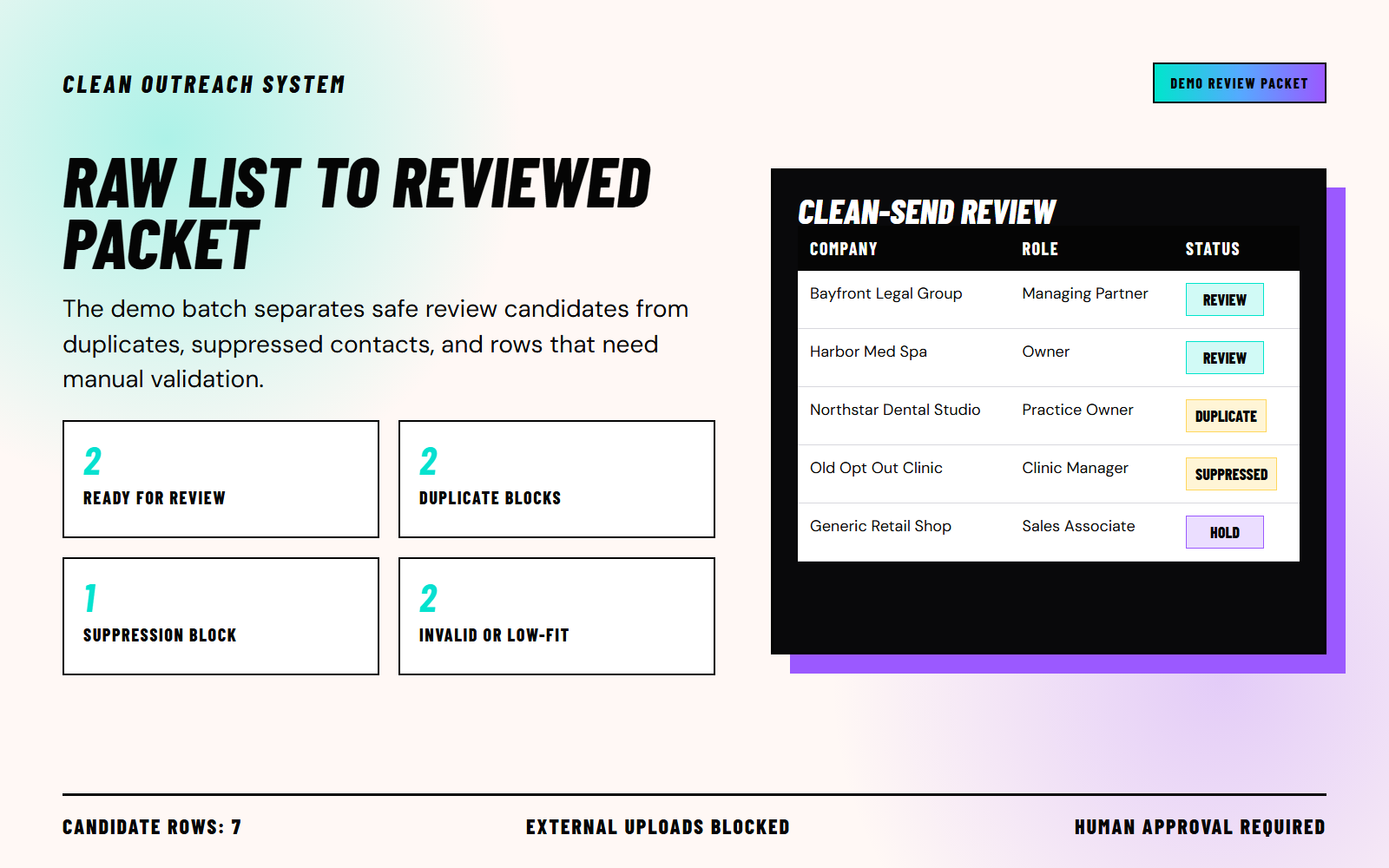
This seven-row fictional example reproduces the included output: two review-ready candidates, two duplicate blocks, one suppression block and two holds. These are sample counts, not campaign outcomes.
Illustrative artwork. The included files and tested sample results are described on this page.
| Measure | Value |
|---|---|
| Review-ready | 2 |
| Duplicate blocks | 2 |
| Suppression block | 1 |
| Manual-review holds | 2 |
Get a local Python script, explicit input mapping instructions, blank CSV templates, an approval checklist, fictional examples and reproducible tests. No credentials or campaign connection are required.
Start with an existing candidate CSV from your CRM, research process, or another source. The kit does not find or enrich prospects.
Compare exact normalized email, phone, LinkedIn and company-person identity keys. No fuzzy matching or inferred country codes.
Separate suppression matches and explicit opt-outs. A later opt-out in the batch blocks matching earlier rows too.
Hold rows with missing identity fields, no contact path, invalid email format, role-review flags, or unverified contact status.
Create separate CSVs for review-ready, duplicate, suppressed, and manually held rows, with status, match reason, and human-approval fields.
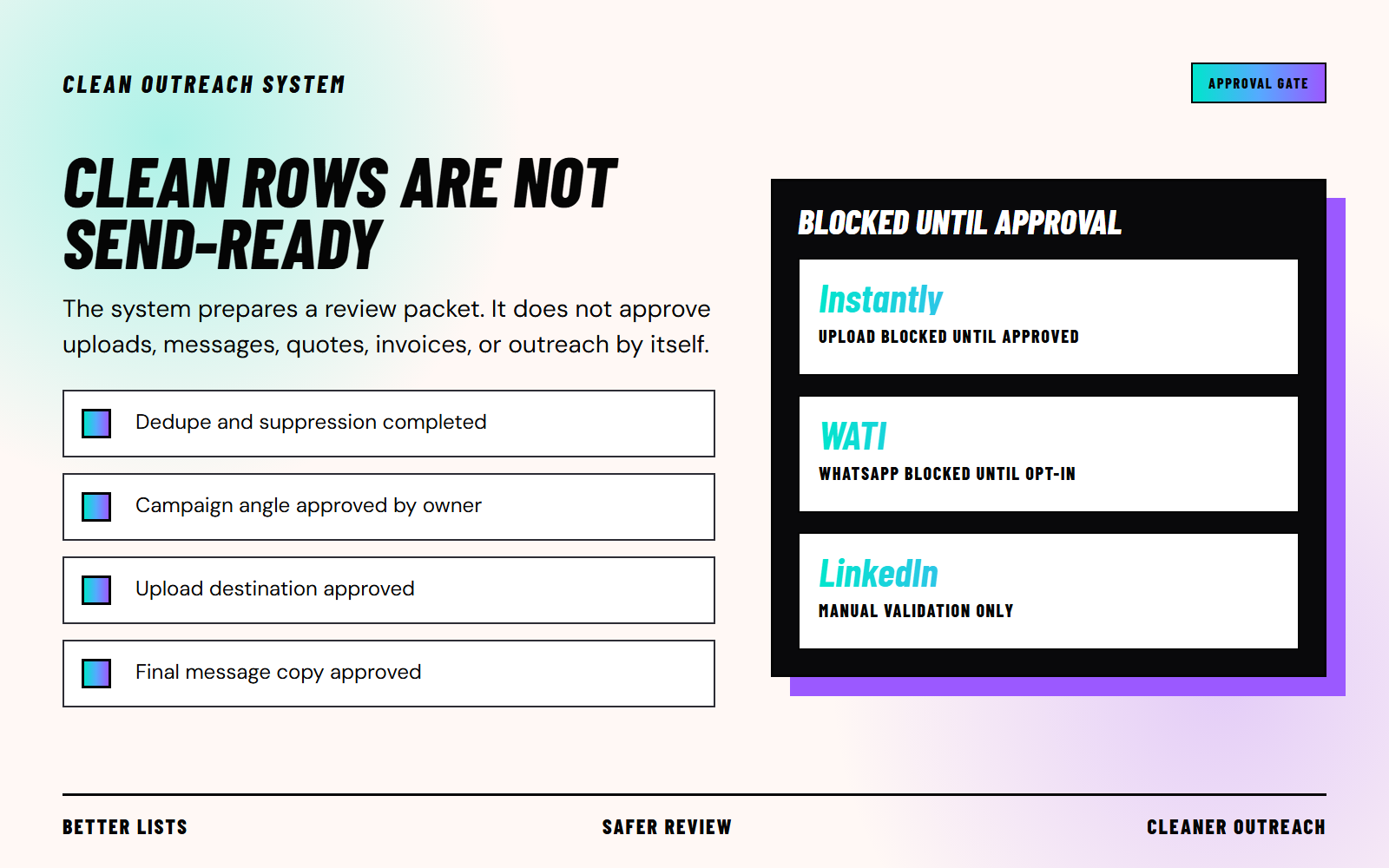
Every generated batch starts as draft. A person decides whether the source, recipient, channel, permission, message and timing are appropriate.
Illustrative artwork. The included files and tested sample results are described on this page.
Your review record
Each result includes a status, match reason, source-row reference and required human-approval flag. Permission evidence is retained for your review; it is not independently validated.
Review-ready means the documented local checks passed. It does not authorize upload or sending. The kit cannot enforce approvals inside another app.
Start with your existing candidate CSV, existing-lead ledger, and suppression list.
Map your source to the documented headers, including safety flags. Unknown columns stop the run for explicit review; do not discard opt-out information.
Separate existing or same-batch duplicates, suppressed contacts, and rows that fail transparent quality checks.
Review each row's status, match reason, matched record, source fields, and required human-approval flag.
Only upload or send after the owner approves the list, channel, copy, and timing.
Buy the self-serve kit instantly, or ask for help adapting the system to your lead sources and approval workflow.
Version 1.1: local Python script, blank templates, fictional demos, generated output, first-run guide and approval checklist.
Buyer-specific CSV mapping, existing-ledger setup, suppression setup, quality-gate configuration, review packet, and handoff.
Recurring candidate normalization, duplicate and suppression checks, manual-hold reporting, and approval-ready packets.
Python 3.9+ and a terminal. Tested on Windows with Python 3.11.15 and 3.12.14; other versions and operating systems have not been executed in this release check. No extra Python packages, credentials or campaign connections are required.
No. It creates a local review packet and a draft approval item. Every result row requires human approval. The kit contains no uploader or sender and cannot enforce controls inside another application.
It accepts CSVs mapped to the documented headers. Export formats vary: map identity, verification and safety fields explicitly, and resolve unknown columns before a run. No native Apollo/Instantly integration, automatic upload or universal export mapping is included. Custom platform setup is separate from the $79 ZIP.
No. It normalizes common fields, checks exact identity matches and applies explicit quality rules. It reads the verification label in your input; it does not verify deliverability, infer country codes, fill missing names or titles, or repair domains.
No. For this local review, a WhatsApp row needs a phone, affirmative recorded opt-in and evidence to reach review-ready. Template approval alone is insufficient. Inbound context without recorded opt-in stays held. A person must check the current platform rules, service window, evidence and specific message before use.
No. The kit helps organize list checks and human review. It does not guarantee replies, booked calls or revenue.
Start with FIRST_RUN.md, reproduce the fictional demo, then map your own inputs and review the resulting packet before any external action.