01
Lead and reply tracker
Keep one current next action per opportunity, with an owner, due date and approval status.
Revenue Recovery System v1.1
Give every warm opportunity a clear next action. Assign an owner and due date, prepare a draft, record approval and follow through.
Revenue Recovery System preview
The included workbook uses an eight-opportunity fictional demo dated 2026-10-02. These values show how the files work; they are not customer results.
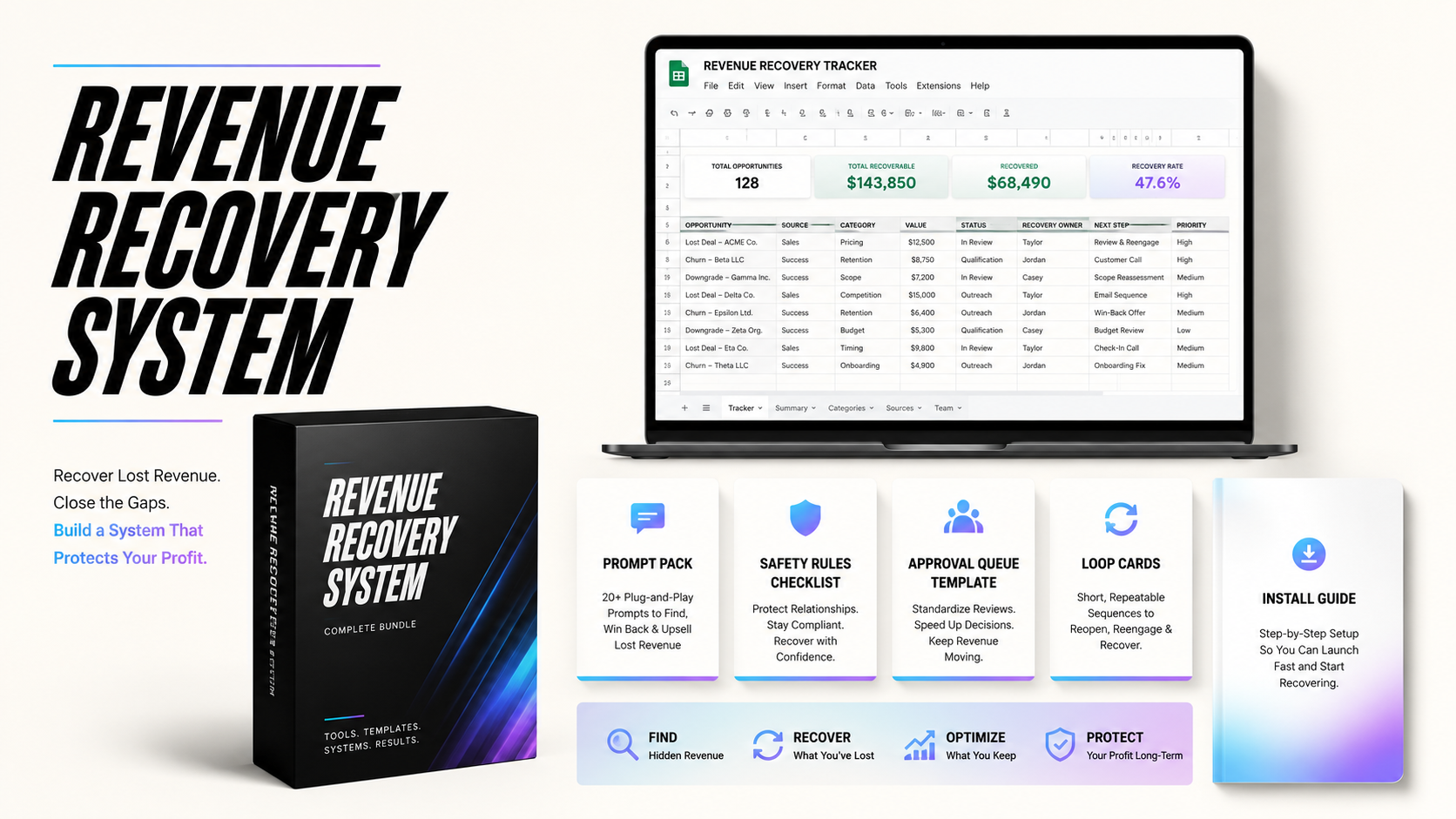
Illustrative artwork. The included files and tested sample results are described on this page.
| Measure | Value |
|---|---|
| Open estimated pipeline | $7,200 |
| Won contract value | $2,300 |
| Cash collected | $1,800 |
| Documented recovered cash | $300 |
| Needs approval | 2 |
| Actions due by review date | 2 |
What is included
Manual CSV templates, reply rules, prompts, checklists and a weekly review playbook, plus an optional XLSX workbook with a calculated summary. Enter your own data, receipts and recovery evidence.
Keep one current next action per opportunity, with an owner, due date and approval status.
Classify replies into clear categories so new inquiries, warm leads, approvals, and blocked actions do not blur together.
Use prepared prompts for classification, safe draft replies, follow-up summaries, and weekly revenue reviews.
Record a human decision for the specific message, recipient, channel and timing. Opt-outs stay blocked.
Use a simple schedule to decide who needs a reply today, who needs a nudge, and who should be closed or archived.
Separate open estimated pipeline, won contract value, collected cash and documented recovered cash. The manual CSVs do not contain a calculated dashboard.
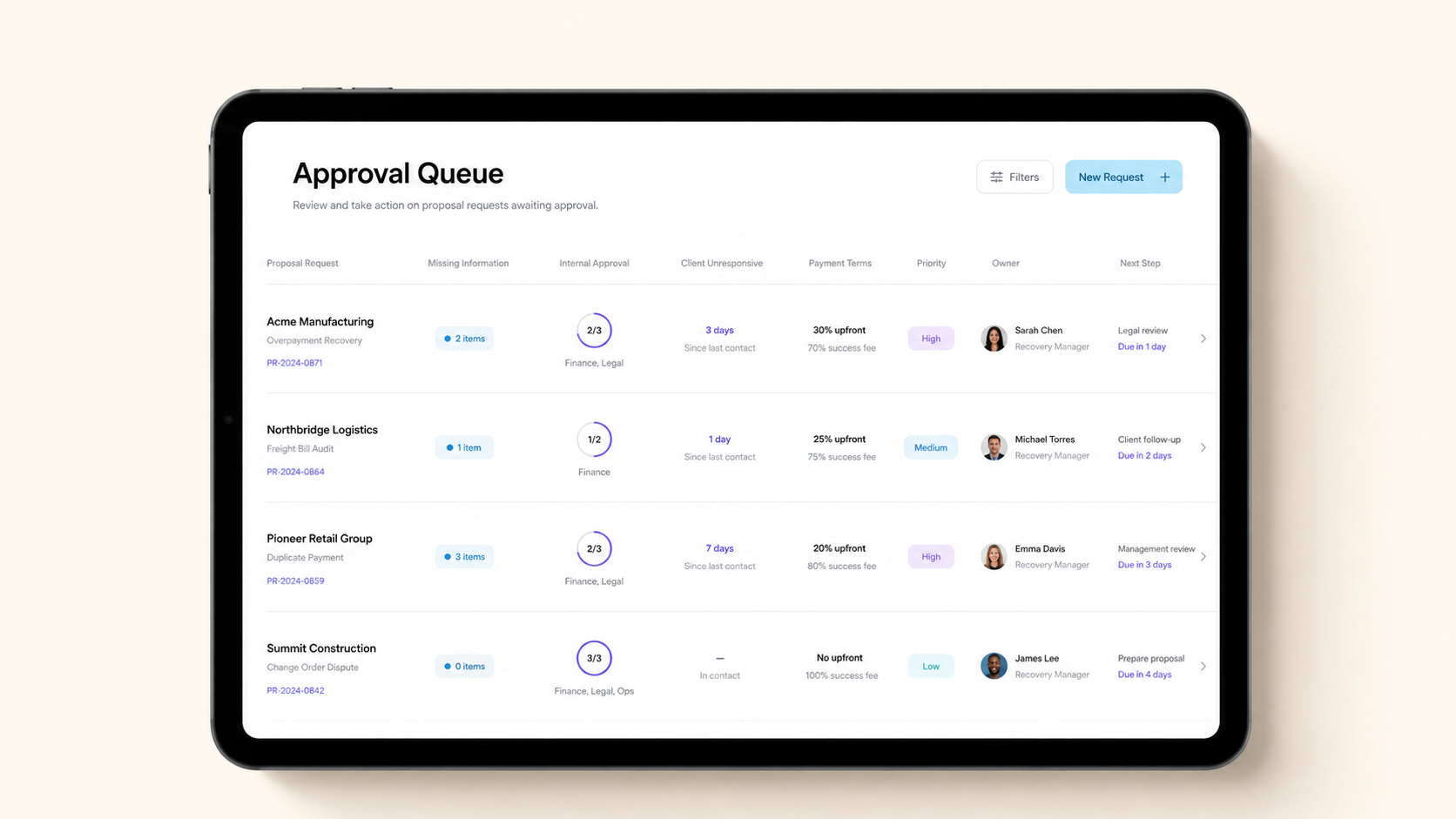
Illustrative artwork. The included files and tested sample results are described on this page.
Start with FIRST_RUN.md
Why it matters
Bring recent leads, replies, proposal requests and follow-ups into a reviewable workflow. This operator-run kit does not connect to an inbox, sync a CRM, send messages or collect money.
How to use it
Export or copy recent replies, form leads, proposal requests, and follow-up notes into the tracker.
Use the category rules and prompts to label hot opportunities, approvals, blocked actions, and follow-ups.
Draft replies, request missing information, prepare proposals, and keep every external message approval-led.
Filter open, unblocked work by due date and approval. Resolve missing owners and dates, then review the exact action before proceeding.
Tighten categories, prompts, owners, and follow-up timing as the business learns where revenue gets stuck.
Buy options
One instant-download price for the complete Revenue Recovery System kit. No tiers, no monthly fee, no extra boxes.
Version 1.1 · One-time purchase
Includes the manual workflow, optional XLSX workbook, fictional demos and tested first-run instructions.
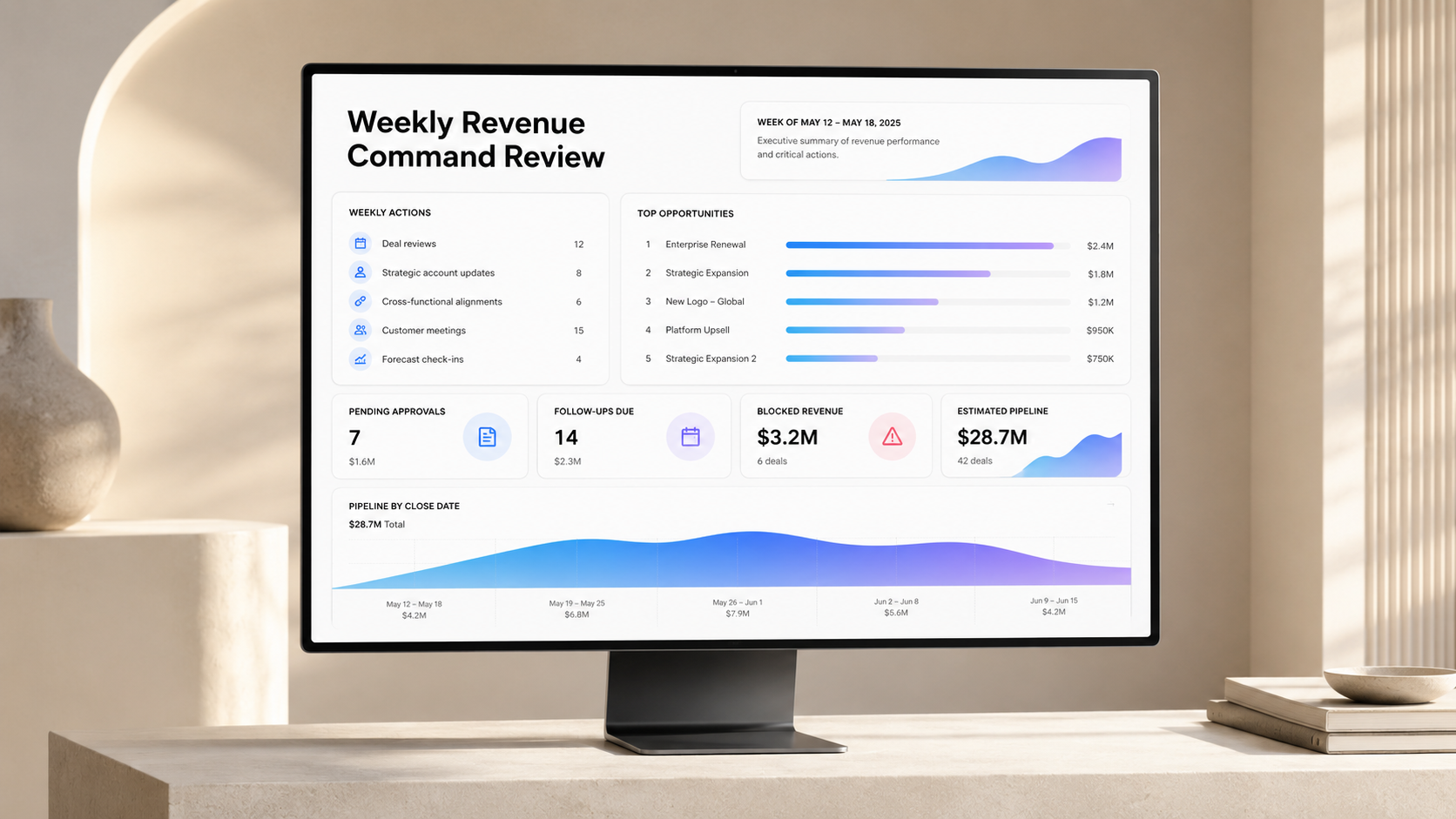
Illustrative artwork. The included files and tested sample results are described on this page.
Software and first run
The manual path needs a CSV-capable spreadsheet and a text/Markdown reader. The optional XLSX was tested in Windows Excel 16 and after conversion to native Google Sheets, including edits and growth to 258 records. Other spreadsheet versions/apps are unverified. CSV files do not preserve the calculated dashboard.
Start with FIRST_RUN.md and reproduce the fictional example. No paid AI service is needed for the manual workflow; using the prompt pack is optional.
It helps you review existing leads and replies, assign next actions, record human approvals and run a weekly review. It is a downloadable, operator-run kit.
No. A person reviews the recipient, channel, permission, exact message and timing. External actions require approval. Opt-outs remain blocked.
The manual path needs a CSV-capable spreadsheet and a text/Markdown reader. The optional XLSX was tested in Windows Excel 16 and after conversion to native Google Sheets, including edits and growth to 258 records. Other spreadsheet versions/apps are unverified. CSV files do not preserve the calculated dashboard.
No. Pipeline is an estimate. Won value is agreed work. Collected cash is money received. Recovered cash is the documented portion attributed to recovery. The workbook sums operator-entered amounts; it does not verify payments or attribution. Check recovered cash against collected cash.
The $79 kit is a one-time download. Custom setup and paid third-party services are not included. Any tools or setup you choose separately have their own costs.
They show how the files work. All companies, contacts, receipts and amounts are fictional. They are not customer outcomes or an earnings promise. The manual CSV example and optional workbook use different datasets.
No. It helps organize and prioritize revenue follow-up. It does not guarantee closed deals, booked calls, or revenue.
Ready to organize your next actions?
Get version 1.1, follow FIRST_RUN.md and verify the fictional demo before adding your own records.