ai automation for therapy clinics
AI Automation for Therapy Clinics
AI automation for therapy clinics can support the administrative side of new client inquiries, appointment requests, reminders, practitioner routing, and follow-up. It should not provide therapy, assess risk, or replace licensed professionals. The right system keeps sensitive decisions with people while reducing the front desk burden.
What can a therapy clinic automate safely?
A therapy clinic can automate administrative work such as first-response messages, appointment requests, practitioner-routing fields, reminders, reschedules, waitlist follow-up and staff summaries. Therapy, diagnosis, risk assessment, crisis support and clinical recommendations must remain with qualified people.
Useful first automations
- New-client response and appointment requests.
- Approved practitioner and location routing.
- Reminders, reschedules and waitlist messages.
Required controls
- Minimum-data intake and retention rules.
- Crisis, clinical and uncertain-message handoff.
- A named staff owner and response-time target.
Therapy intake route
Start with the first appointment request
Choose the channel that creates the most front-desk pressure, then define the minimum information needed for a calm, human handoff.
Worked example
An administrative boundary matrix
Illustrative workflow to review with your team; not a client result.
From request to action
- TriggerA person contacts a therapy practice to request an appointment.
- Required informationAllow appointment requests, practitioner preferences and waitlist administration. Collect only the minimum administrative information needed to route the request.
- Rule and ownerKeep therapy, clinical risk assessment and crisis support outside the automation. Urgent language follows the practice's approved human escalation instructions.
Example record
Allowed: scheduling and waitlist. Human-only: clinical judgment and urgent concerns. Owner: designated administrative team.
The flow must not present itself as a therapist or a monitored crisis service.
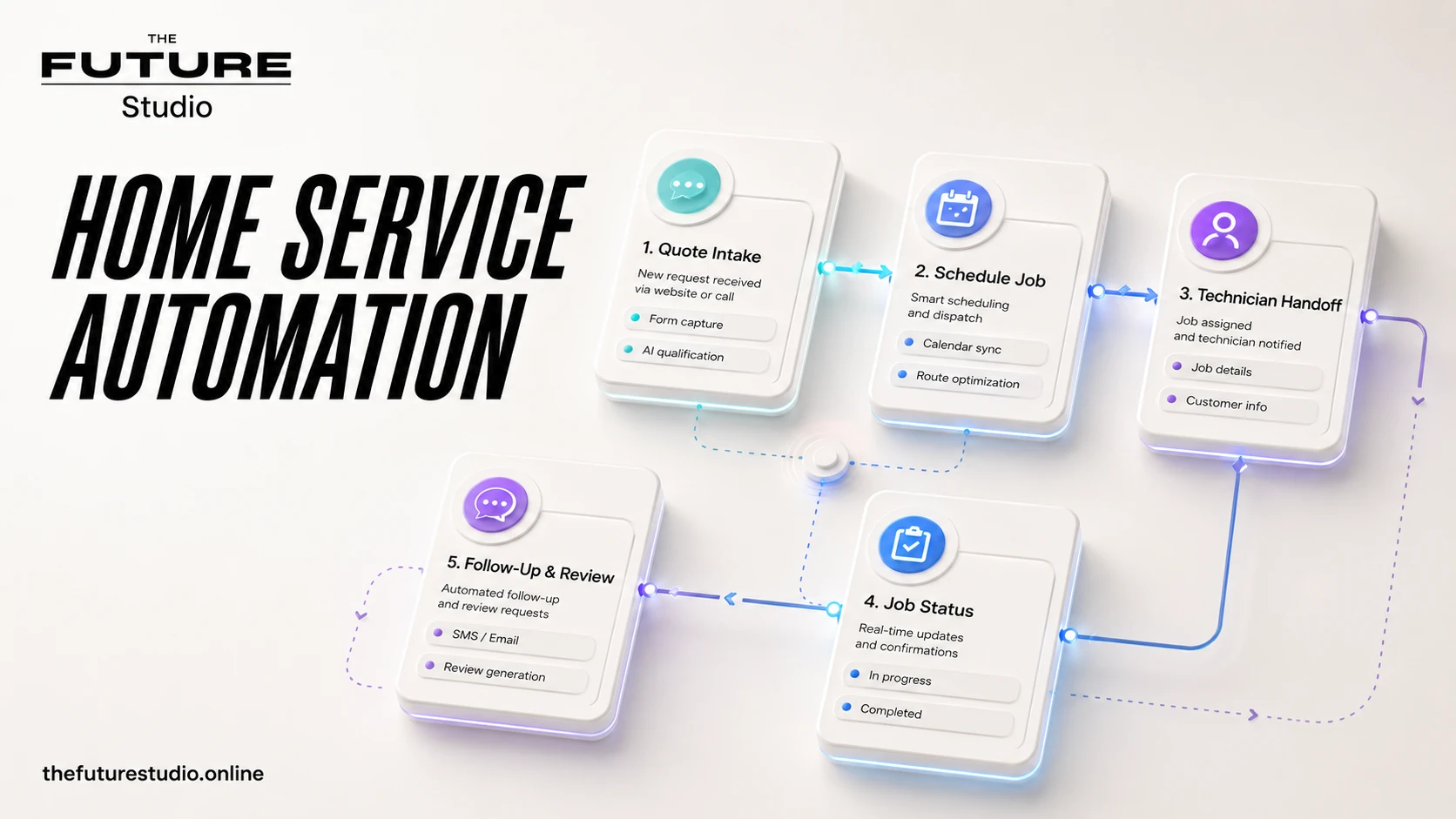
Protect the first human contact
A therapy workflow can capture only administrative details, match the request to approved availability, and stop for staff when the message is sensitive.
Use cases
Administrative work around a first appointment
Therapy practices can use AI to answer approved administrative questions, collect basic contact details, identify the requested service, and route the inquiry to the right next step.
The system can support appointment requests, waitlist follow-up, reminders, reschedules, location questions, and practitioner availability rules.
It can summarize the request for staff while avoiding unnecessary collection of sensitive details.
Boundaries
Keep clinical, crisis, and sensitive decisions with people
Therapy AI should not provide therapy, crisis support, diagnosis, risk assessment, clinical recommendations, or emotional counseling.
If a message suggests crisis, self-harm, urgent risk, abuse, or immediate danger, the workflow should stop and follow the practice approved emergency or human escalation process.
The intake should collect only what the practice needs for administrative routing.
Panama and bilingual workflows
Give bilingual clients a lower-pressure first step
Therapy clinics in Panama may need bilingual intake, WhatsApp-first communication, practitioner matching, and careful privacy boundaries.
The workflow should make it easy for a new client to request help without forcing them to explain sensitive details to an AI.
The Future Studio designs the system around approved scripts, clear handoff, and staff control.
Build path
Test safe intake before connecting live channels
Start with appointment request intake, missed inquiries, reminders, or waitlist follow-up.
Define what the AI can say, what it cannot say, what it can collect, and what messages require immediate human escalation.
Then test realistic scenarios before connecting the system to live WhatsApp, phone, website, or calendar workflows.
Measurement
How a clinic should judge whether the workflow works
Record a baseline before launch: median first-response time, unanswered inquiries, completed appointment requests, reschedule workload and the number of conversations that require staff review.
After launch, compare the same measures and audit handoffs. A successful system should reduce administrative delay without increasing incomplete summaries, unnecessary data collection or messages that continue after a clinical boundary appears.
The most important safety measure is not how many conversations the AI finishes. It is whether the right conversations reach a person quickly with enough context to act.
FAQ
Questions about therapy clinic intake
What can a therapy clinic route without collecting a full story?
It can route new-client inquiries, appointment requests, practitioner preferences, waitlist questions, reminders, reschedules, and location details while collecting only approved administrative information.
How should sensitive messages be handled?
The workflow should stop and follow the practice's approved human or emergency escalation process when a message suggests crisis, self-harm, urgent risk, abuse, or immediate danger.
Can WhatsApp and phone intake use the same rules?
Yes. Both channels can use the same approved fields, practitioner-routing rules, reminder logic, and staff handoff while keeping the conversation source visible.
What should the first therapy workflow collect?
Start with the minimum needed for administrative routing, such as contact details, requested service, language, practitioner preference, and availability. Avoid asking an AI to collect unnecessary sensitive details.
Related pages
Explore related systems and industries
Next step
Map the first workflow before you build
Book a free AI systems demo with The Future Studio. We will map where requests arrive, what staff need, and which first automation can reduce admin pressure without taking control away from people.