patient intake workflow
Clinic Patient Intake Automation
Clinic Patient Intake Automation should solve one concrete problem: patients arrive without the details staff need, or staff spend time chasing basic information that could have been organized earlier. It is designed for clinics that want cleaner pre-visit information without turning intake into a long form nobody finishes, with clear rules for what the workflow captures, when people take over, and how success is measured.
Recommended path
Connect this need to the right system
Compare the related workflows, services, and examples to choose the most useful next step.
Worked example
A staff review packet before scheduling
Illustrative workflow to review with your team; not a client result.
From request to action
- TriggerAn enquiry is ready for the clinic's formal intake process.
- Required informationSeparate administrative identity and scheduling details from clinical information. Use the clinic's approved secure route for any sensitive material.
- Rule and ownerA designated staff member reviews completeness and determines the next scheduling action. Missing information remains visible as pending.
Example record
Review packet: administrative details complete/pending; approved document route; reviewer; scheduling action; request status.
The automation does not interpret clinical information or decide suitability for care.
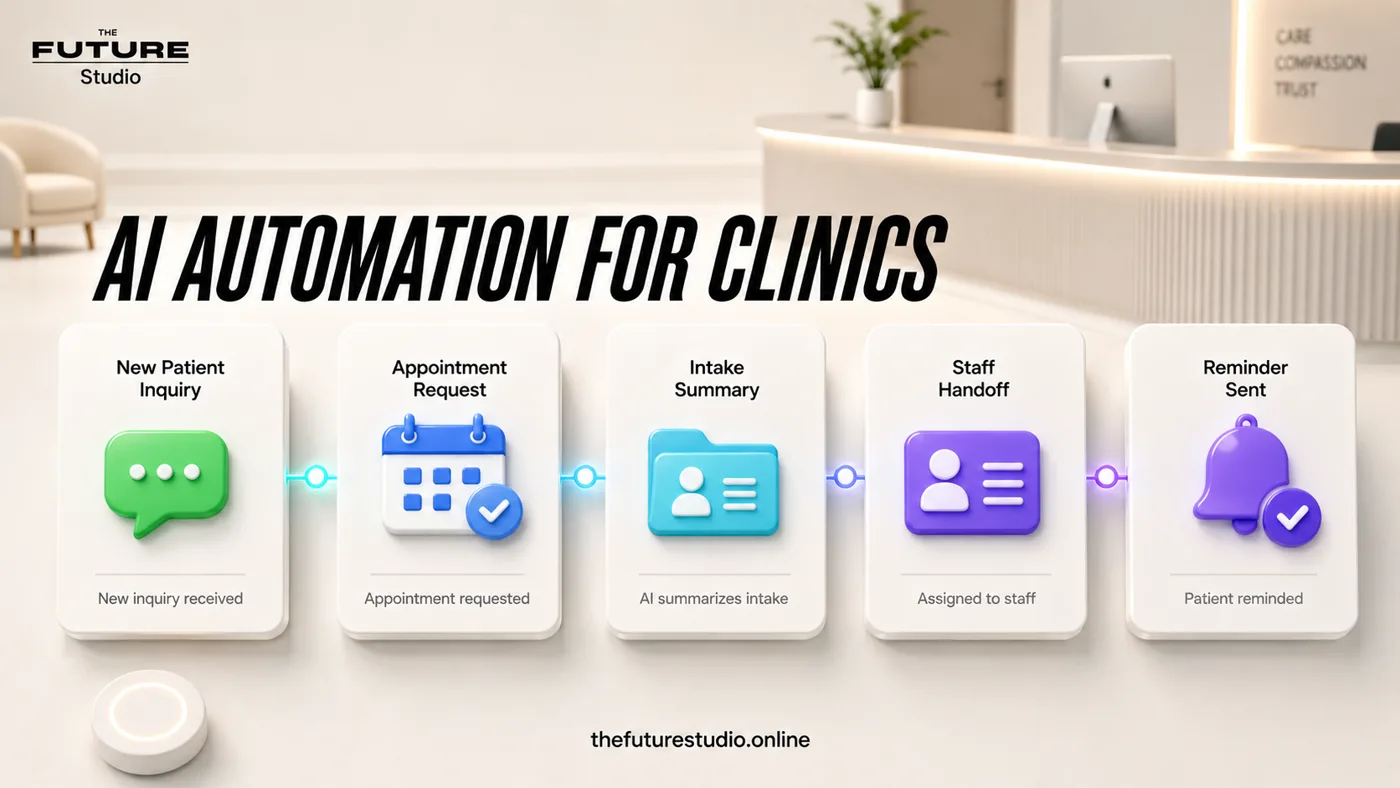
Cleaner intake before the visit
Collect the right details before staff have to chase them manually.
Use case
Who the workflow is for
Clinic Patient Intake Automation is written for clinics that want cleaner pre-visit information without turning intake into a long form nobody finishes. The workflow addresses a specific operating problem.
Patient intake automation should reduce repeated questions and missing information. In practice, the issue is that patients arrive without the details staff need, or staff spend time chasing basic information that could have been organized earlier. That is why the content focuses on the working process, not generic AI claims.
Data
What the workflow should capture
The first system should capture patient status, visit reason, contact confirmation, preferred channel, form completion status, appointment context, and missing items. Those details should become a clear next action instead of staying trapped in calls, chats, inboxes, or staff memory.
The workflow also needs an operating trail: who owns the request, what has already been confirmed, what is due next, and what the customer should expect.
Handoff
Where people should stay in control
Human handoff should trigger on clinical questions, diagnosis, medication issues, emergency language, privacy concerns, incomplete consent, or uncertain identity. The workflow should avoid diagnosis, risk assessment, and clinical decisions.
This keeps the automation useful without making it reckless. AI handles speed, structure, reminders, and summaries; people keep judgment, trust, and sensitive decisions.
First build
What to build first
The first version should be a pre-visit intake reminder, a form completion check, and an internal summary that separates admin details from clinical review. A focused scope makes it possible to launch, measure, and improve without overbuilding.
Success should be measured through form completion rate, missing information, staff follow-up tasks, appointment readiness, and intake drop-off. The workflow should also avoid using automation to interpret patient answers or make clinical decisions, because a fast automation that damages the customer experience is not a win.
Example workflow
How this works in a real business
In daily operation, the value comes from turning an incomplete message into an action. For this topic, the system should organize patient status, visit reason, contact confirmation, preferred channel, form completion status, appointment context, and missing items and expose the next step.
People step in when there is clinical questions, diagnosis, medication issues, emergency language, privacy concerns, incomplete consent, or uncertain identity. The AI does not try to finish every conversation; it prepares a reviewable handoff.
The initial build should be a pre-visit intake reminder, a form completion check, and an internal summary that separates admin details from clinical review. That keeps the project measurable and prevents the page or system from becoming generic.
FAQ
Common questions
Who is clinic patient intake automation for?
It is for clinics that want cleaner pre-visit information without turning intake into a long form nobody finishes.
What should the first workflow collect?
It should start by capturing patient status, visit reason, contact confirmation, preferred channel, form completion status, appointment context, and missing items.
When should a person take over?
A person should take over when the conversation involves clinical questions, diagnosis, medication issues, emergency language, privacy concerns, incomplete consent, or uncertain identity.
How should success be measured?
Measure form completion rate, missing information, staff follow-up tasks, appointment readiness, and intake drop-off, not just how many automated messages were sent.
What makes this workflow useful?
It solves a defined operating problem, collects the details the team needs, and produces a clear next action.
Related pages
Explore the related cluster
Next step
Map the first workflow that needs to work
Book a free AI systems demo with The Future Studio. We will map the workflow, the boundaries, and the smallest useful system to build first.