process automation
Business Process Automation with AI
Business Process Automation with AI should solve one concrete problem: manual work is spread across inboxes, spreadsheets, calendars, CRMs, and staff memory. It is designed for businesses that want AI inside a process instead of a disconnected chatbot, with clear rules for what the workflow captures, when people take over, and how success is measured.
Recommended path
Connect this need to the right system
Compare the related workflows, services, and examples to choose the most useful next step.
Worked example
A before-and-after process worksheet
Illustrative workflow to review with your team; not a client result.
From request to action
- TriggerStaff repeatedly copy an approved request from one tool into another.
- Required informationDocument the trigger, source fields, current handling time and destination. Mark which field values need a person to approve them.
- Rule and ownerTest a prepared record, one missing-field case and one destination failure. Compare the same completion measure before and after.
Example record
Worksheet: baseline minutes; source fields; approval; write result; error owner; completion timestamp.
Count successful completed tasks separately from attempted actions and time estimates.
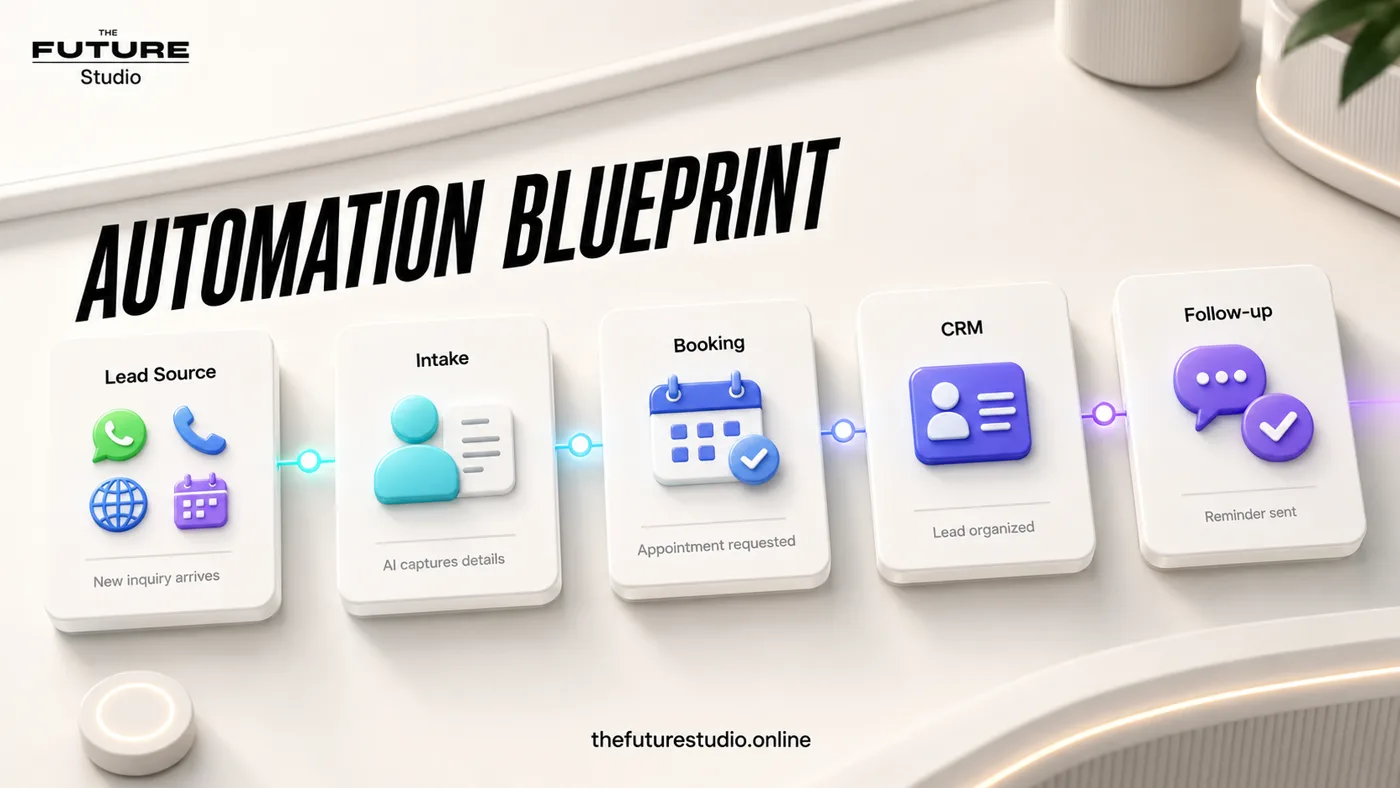
Make the process visible first
Document the workflow, then automate the repeatable parts.
Use case
Who the workflow is for
Business Process Automation with AI is written for businesses that want AI inside a process instead of a disconnected chatbot. The workflow addresses a specific operating problem.
AI is most useful when the business process is clear. In practice, the issue is that manual work is spread across inboxes, spreadsheets, calendars, CRMs, and staff memory. That is why the content focuses on the working process, not generic AI claims.
Data
What the workflow should capture
The first system should capture process steps, inputs, owners, decision rules, exceptions, outputs, and reporting needs. Those details should become a clear next action instead of staying trapped in calls, chats, inboxes, or staff memory.
The workflow also needs an operating trail: who owns the request, what has already been confirmed, what is due next, and what the customer should expect.
Handoff
Where people should stay in control
Human handoff should trigger on exceptions, approvals, customer-sensitive decisions, low-confidence classifications, and process changes. Automating a messy process usually creates a faster mess.
This keeps the automation useful without making it reckless. AI handles speed, structure, reminders, and summaries; people keep judgment, trust, and sensitive decisions.
First build
What to build first
The first version should be a visible workflow map, clear rules, one automated step, and a report that shows whether it helped. A focused scope makes it possible to launch, measure, and improve without overbuilding.
Success should be measured through cycle time, manual touches, error rate, backlog, response speed, and completion rate. The workflow should also avoid automating unclear process steps just because AI can generate text, because a fast automation that damages the customer experience is not a win.
Example workflow
How this works in a real business
The useful example is not a long chatbot script. It is a short path where the customer states the need, the system validates process steps, inputs, owners, decision rules, exceptions, outputs, and reporting needs, and the team receives a usable request.
Handoff triggers on exceptions, approvals, customer-sensitive decisions, low-confidence classifications, and process changes. That rule prevents improvised answers and keeps the experience inside approved boundaries.
The launch version should be a visible workflow map, clear rules, one automated step, and a report that shows whether it helped. After it works, the business can add more sources, routing rules, and reporting from real data.
FAQ
Common questions
Who is business process automation with ai for?
It is for businesses that want AI inside a process instead of a disconnected chatbot.
What should the first workflow collect?
It should start by capturing process steps, inputs, owners, decision rules, exceptions, outputs, and reporting needs.
When should a person take over?
A person should take over when the conversation involves exceptions, approvals, customer-sensitive decisions, low-confidence classifications, and process changes.
How should success be measured?
Measure cycle time, manual touches, error rate, backlog, response speed, and completion rate, not just how many automated messages were sent.
What makes this workflow useful?
It solves a defined operating problem, collects the details the team needs, and produces a clear next action.
Related pages
Explore the related cluster
Next step
Map the first workflow that needs to work
Book a free AI systems demo with The Future Studio. We will map the workflow, the boundaries, and the smallest useful system to build first.