no-show reduction
Clinic No-Show Reduction Automation
Clinic No-Show Reduction Automation should solve one concrete problem: the calendar looks full but the room is empty, and staff only learn about the missed appointment after the time is gone. It is designed for clinics with booked appointments that still lose revenue because patients forget, cancel late, or cannot reschedule easily, with clear rules for what the workflow captures, when people take over, and how success is measured.
Recommended path
Connect this need to the right system
Compare the related workflows, services, and examples to choose the most useful next step.
Worked example
Close the attendance loop
Illustrative workflow to review with your team; not a client result.
From request to action
- TriggerA confirmed appointment approaches without a confirmation reply.
- Required informationCheck current appointment state before reminding. Offer the clinic's approved reschedule path and flag unresolved responses for staff.
- Rule and ownerAfter the appointment, record attended, cancelled, rescheduled or no-show using the clinic's agreed definitions. Review outcomes with the same denominator.
Example record
Attendance log: scheduled appointment; reply state; reminder history; staff call; final attendance state; reporting period.
Reminder delivery is not proof of attendance or a measured reduction in no-shows.
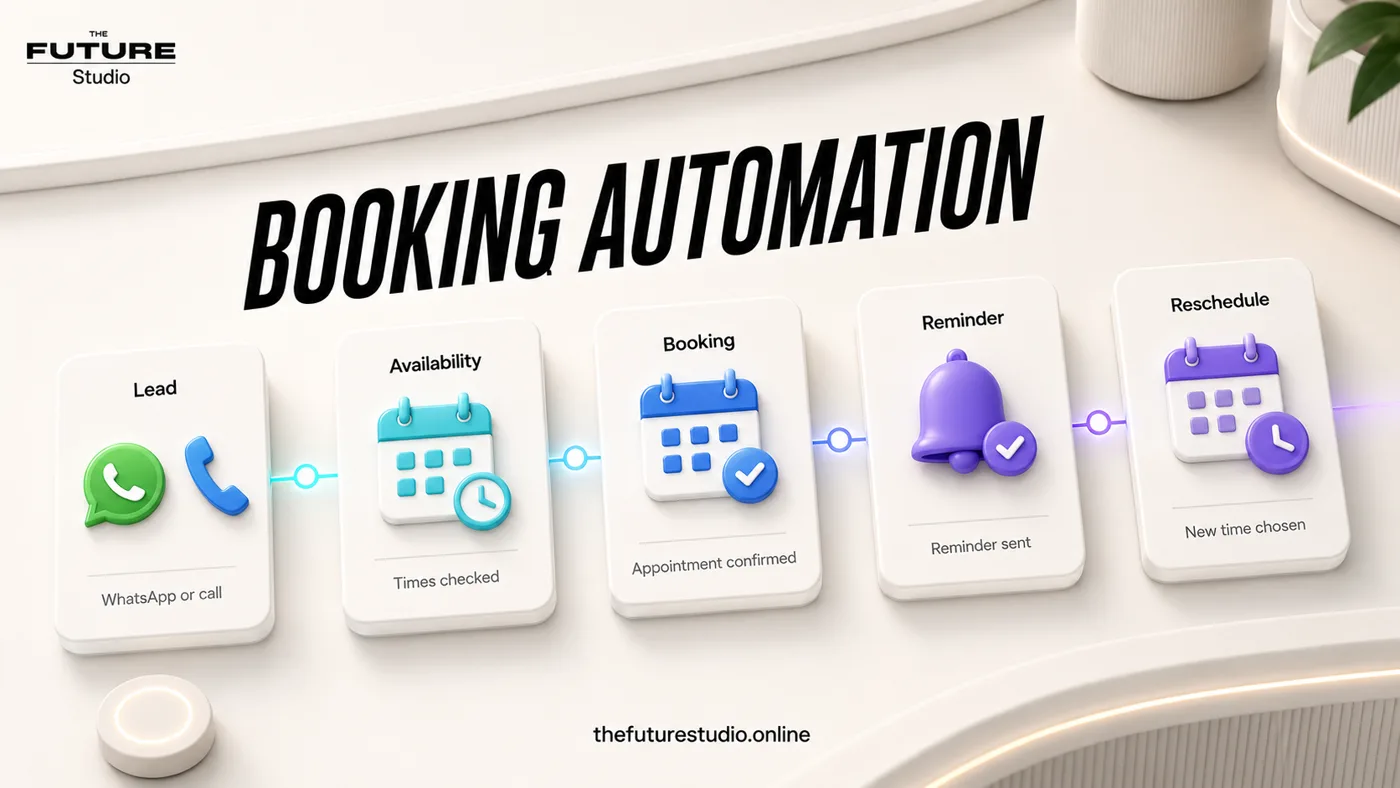
Protect booked appointments
Use reminders and easy rescheduling to reduce wasted calendar time.
Use case
Who the workflow is for
Clinic No-Show Reduction Automation is written for clinics with booked appointments that still lose revenue because patients forget, cancel late, or cannot reschedule easily. The workflow addresses a specific operating problem.
No-shows usually come from weak confirmation, unclear preparation, or hard rescheduling. In practice, the issue is that the calendar looks full but the room is empty, and staff only learn about the missed appointment after the time is gone. That is why the content focuses on the working process, not generic AI claims.
Data
What the workflow should capture
The first system should capture appointment date, confirmation status, reminder history, reschedule request, cancellation reason, and waitlist opportunity. Those details should become a clear next action instead of staying trapped in calls, chats, inboxes, or staff memory.
The workflow also needs an operating trail: who owns the request, what has already been confirmed, what is due next, and what the customer should expect.
Handoff
Where people should stay in control
Human handoff should trigger on repeated no-shows, angry patients, clinical preparation questions, urgent changes, and any cancellation that needs staff judgment. Automation should keep reminders administrative and privacy-aware.
This keeps the automation useful without making it reckless. AI handles speed, structure, reminders, and summaries; people keep judgment, trust, and sensitive decisions.
First build
What to build first
The first version should be one confirmation message, one reminder, one easy reschedule path, and one staff alert for unconfirmed visits. A focused scope makes it possible to launch, measure, and improve without overbuilding.
Success should be measured through confirmation rate, no-show rate, reschedule rate, recovered slots, and reminder response rate. The workflow should also avoid sending too many reminders or making cancellation feel difficult, because a fast automation that damages the customer experience is not a win.
Example workflow
How this works in a real business
The useful example is not a long chatbot script. It is a short path where the customer states the need, the system validates appointment date, confirmation status, reminder history, reschedule request, cancellation reason, and waitlist opportunity, and the team receives a usable request.
Handoff triggers on repeated no-shows, angry patients, clinical preparation questions, urgent changes, and any cancellation that needs staff judgment. That rule prevents improvised answers and keeps the experience inside approved boundaries.
The launch version should be one confirmation message, one reminder, one easy reschedule path, and one staff alert for unconfirmed visits. After it works, the business can add more sources, routing rules, and reporting from real data.
FAQ
Common questions
Who is clinic no-show reduction automation for?
It is for clinics with booked appointments that still lose revenue because patients forget, cancel late, or cannot reschedule easily.
What should the first workflow collect?
It should start by capturing appointment date, confirmation status, reminder history, reschedule request, cancellation reason, and waitlist opportunity.
When should a person take over?
A person should take over when the conversation involves repeated no-shows, angry patients, clinical preparation questions, urgent changes, and any cancellation that needs staff judgment.
How should success be measured?
Measure confirmation rate, no-show rate, reschedule rate, recovered slots, and reminder response rate, not just how many automated messages were sent.
What makes this workflow useful?
It solves a defined operating problem, collects the details the team needs, and produces a clear next action.
Related pages
Explore the related cluster
Next step
Map the first workflow that needs to work
Book a free AI systems demo with The Future Studio. We will map the workflow, the boundaries, and the smallest useful system to build first.