patient follow-up
Patient Follow-Up Automation
Patient Follow-Up Automation should solve one concrete problem: follow-up depends on busy staff remembering who needs a message, when it should go out, and what should be said. It is designed for clinics that need structured follow-up after inquiries, visits, missed appointments, or recommended next steps, with clear rules for what the workflow captures, when people take over, and how success is measured.
Recommended path
Connect this need to the right system
Compare the related workflows, services, and examples to choose the most useful next step.
Worked example
A follow-up that remembers the last state
Illustrative workflow to review with your team; not a client result.
From request to action
- TriggerAn administrative request remains unresolved after first contact.
- Required informationRead the latest request state, prior contact attempts and preferred channel. Identify whether the next action is scheduling, missing information or staff review.
- Rule and ownerStop on opt-out or resolution. Escalate requests that need clinical judgment, and avoid restarting follow-up after a confirmed booking or cancellation.
Example record
Follow-up record: last state; previous attempt; next task; owner; contact preference; stop condition.
Patient follow-up here means administration; clinical follow-up instructions must come from the care team.
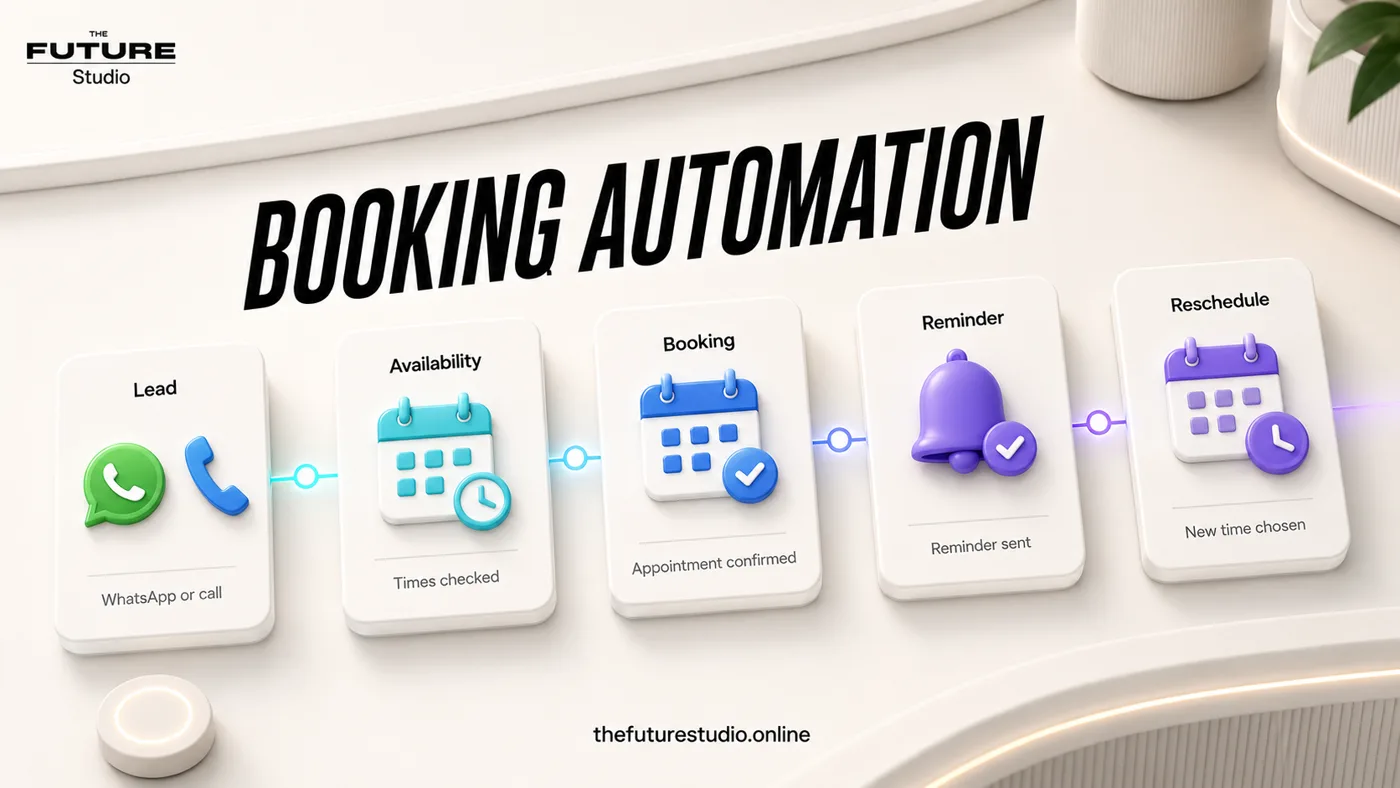
Do not let follow-up drift
Create structured reminders and staff tasks after the visit or inquiry.
Use case
Who the workflow is for
Patient Follow-Up Automation is written for clinics that need structured follow-up after inquiries, visits, missed appointments, or recommended next steps. The workflow addresses a specific operating problem.
Follow-up is where many clinics lose continuity. In practice, the issue is that follow-up depends on busy staff remembering who needs a message, when it should go out, and what should be said. That is why the content focuses on the working process, not generic AI claims.
Data
What the workflow should capture
The first system should capture follow-up reason, visit or inquiry status, due date, approved message, staff owner, response, and next task. Those details should become a clear next action instead of staying trapped in calls, chats, inboxes, or staff memory.
The workflow also needs an operating trail: who owns the request, what has already been confirmed, what is due next, and what the customer should expect.
Handoff
Where people should stay in control
Human handoff should trigger on clinical advice, adverse reactions, complaints, urgent replies, personal details, and any answer that changes care or service direction. Automation should be administrative, approved, and respectful of privacy.
This keeps the automation useful without making it reckless. AI handles speed, structure, reminders, and summaries; people keep judgment, trust, and sensitive decisions.
First build
What to build first
The first version should be a small set of approved follow-up moments: appointment reminder, post-visit check-in, missed appointment, and dormant inquiry. A focused scope makes it possible to launch, measure, and improve without overbuilding.
Success should be measured through follow-up sent, replies received, bookings recovered, overdue tasks, and opt-outs. The workflow should also avoid sending generic messages that feel automated or too frequent, because a fast automation that damages the customer experience is not a win.
Example workflow
How this works in a real business
Picture an after-hours request that would normally sit unanswered. The workflow confirms the intent, organizes follow-up reason, visit or inquiry status, due date, approved message, staff owner, response, and next task, and tells the customer what will happen next.
If the message includes clinical advice, adverse reactions, complaints, urgent replies, personal details, and any answer that changes care or service direction, the AI changes mode. It stops trying to complete the path and creates a human task with enough detail to act.
The right starting point is a small set of approved follow-up moments: appointment reminder, post-visit check-in, missed appointment, and dormant inquiry. That lets the team improve the process without replacing the whole operation at once.
FAQ
Common questions
Who is patient follow-up automation for?
It is for clinics that need structured follow-up after inquiries, visits, missed appointments, or recommended next steps.
What should the first workflow collect?
It should start by capturing follow-up reason, visit or inquiry status, due date, approved message, staff owner, response, and next task.
When should a person take over?
A person should take over when the conversation involves clinical advice, adverse reactions, complaints, urgent replies, personal details, and any answer that changes care or service direction.
How should success be measured?
Measure follow-up sent, replies received, bookings recovered, overdue tasks, and opt-outs, not just how many automated messages were sent.
What makes this workflow useful?
It solves a defined operating problem, collects the details the team needs, and produces a clear next action.
Related pages
Explore the related cluster
Next step
Map the first workflow that needs to work
Book a free AI systems demo with The Future Studio. We will map the workflow, the boundaries, and the smallest useful system to build first.