01
Video strategy
Map the offers, audience, visual style, campaign angles, and video formats the system should create.
Ready-to-install AI system
Plan supplied assets, review points, and agreed channels before production begins.
The diagnosis
Start with the part of the workflow creating the most friction. The first build should make one important next step clearer, faster, and easier to own.
Map the offers, audience, visual style, campaign angles, and video formats the system should create.
Marketing Video System walkthrough
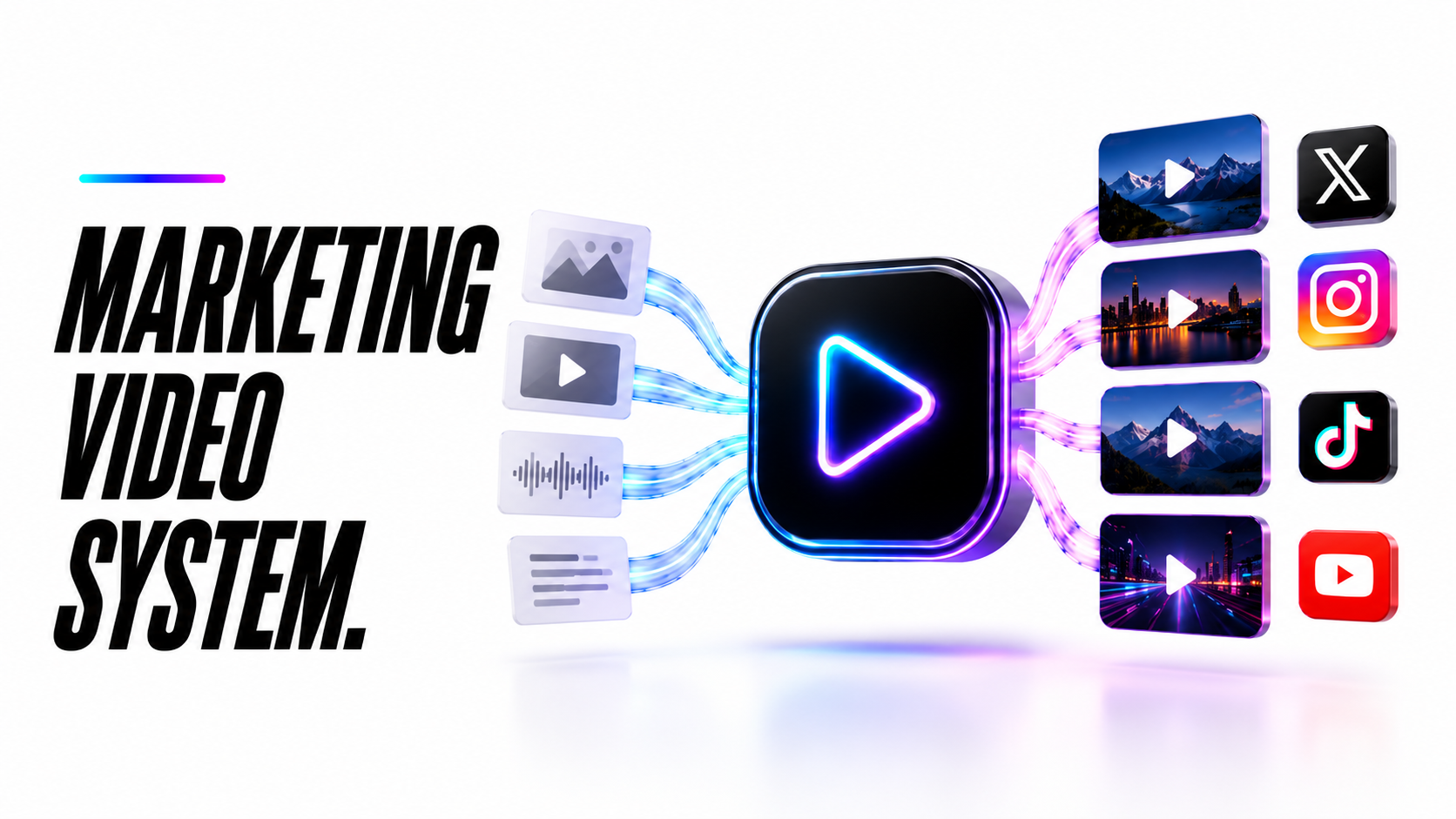
A static walkthrough of how the pieces connect before your team starts using the system.
What gets installed
A marketing video system should turn offers, proof, and campaign ideas into realistic AI video assets: concepts, scripts, prompts, visuals, captions, edits, and a repeatable handoff for publishing.
Map the offers, audience, visual style, campaign angles, and video formats the system should create.
Create believable AI video visuals, scenes, scripts, prompts, and asset directions aligned with the brand.
Generate video scripts, hooks, scenes, captions, thumbnails, and campaign assets without starting from a blank page.
Create video hooks, captions, talking points, CTAs, and platform-specific variations.
Prepare video assets so they can be reviewed, edited, scheduled, or handed off to the right channel.
Review which video angles, hooks, and formats should be repeated, refined, or turned into more campaign assets.
Why it matters
Video is powerful, but production can slow everything down. This system gives your business a repeatable way to create realistic AI videos, scripts, captions, and short-form assets without needing a full production team for every campaign.
The process
Clarify the brand, audience, offers, proof, platforms, and type of videos the system should produce.
Build the prompt structure, script formats, scene directions, caption workflow, and video output process.
Train the system around your visual references, brand tone, real offers, hooks, and platform requirements.
For Growth and Premium, connect video output to review folders, schedulers, publishing tools, or team handoff.
Review real video output, improve prompts, tighten the brand match, and refine what should be created next.
These are illustrative workflow patterns. The installed scope, owners, and handoff rules are agreed before build.
Illustrative operating example. Agree the fields, rules and owner before implementation.
You supply the objective, approved facts and available footage or visual assets.
Agree the script, duration, aspect ratios and intended channels. Confirm rights to supplied imagery, voice, music and people shown.
Review a cut before final export. Track approved changes and hand over the agreed video files; paid performance is measured separately.
Production output does not establish advertising performance; turnaround and revision limits depend on scope.
Example staff / work record
Production record: script approved; assets cleared; draft cut; revision notes; export formats; delivery state.
Build options
Choose whether you need AI video assets created for you, or a fuller video workflow with more automation, channels, and campaign support.
Best if you want realistic AI video concepts, scripts, prompts, captions, and short-form assets created for you.
USD. Review the included scope and confirm third-party usage and support limits before purchase.
For businesses that want a stronger video production workflow with more assets, channel handoff, and optional scheduling support.
For teams that want a larger AI video system with campaign planning, realistic visuals, multi-channel assets, and custom workflow logic.
Review the work
Review the documented work, its context and the evidence available. It is not a promise of the same result for another project.
Read the evidenceCommon questions
It creates realistic brand-matched AI video assets: concepts, scripts, scene prompts, captions, hooks, thumbnails, and short-form campaign materials for Reels, TikTok, Shorts, education, or authority content.
Starter focuses on scripts, prompts, captions, and asset direction. Growth and Premium can include more production workflow, handoff, and scheduling support depending on the tools being used.
Yes. AI videos, scripts, captions, campaign angles, and approval notes can be prepared for English, Spanish, or bilingual audiences.
The build price is separate from monthly AI video tools, editing tools, storage, schedulers, automation tools, or other third-party services. We confirm the stack before build.
Yes. Growth and Premium builds can connect to Drive, Canva, CapCut, schedulers, publishing tools, review folders, or approval workflows depending on the stack.
That is the goal. We build the prompts, references, scripts, and style rules around your brand so the output feels like a real marketing asset, not generic AI filler.
AI video fit guide
Use this guide to decide whether AI video should support your marketing system, content calendar, and offer education.
AI video works best when the business needs more educational content, offer explainers, social assets, or campaign variations.
The video system should clarify the offer and support real expertise. It should not create misleading claims or fake proof.
AI video is strongest when connected to content planning, SEO pages, offer pages, social distribution, and follow-up campaigns.
Ready to start?
Book a free demo and we will map the first marketing video system your business should use.